
A slow checkout page during a product launch, an unavailable site after a viral social media post, or a dashboard that takes ages to load can cost a business far more than a hosting renewal fee. That is why the WordPress hosting versus VPS decision deserves more than a quick glance at monthly prices. The right choice depends on what your website does now, how much technical control you need, and how quickly you expect it to grow.
For many Nigerian businesses, WordPress hosting is the sensible place to start. A VPS becomes valuable when traffic, custom requirements, or performance expectations outgrow a managed WordPress environment. Neither option is automatically better. The best plan is the one that gives your website dependable speed and security without creating unnecessary work or expense.
What WordPress hosting is built to do
WordPress hosting is a hosting environment configured specifically for WordPress websites. Rather than handing you a blank server and expecting you to set up every component, it provides the essentials a WordPress site needs: web server settings, databases, PHP support, SSL, backups, security tools and an easy management panel such as cPanel.
The major advantage is simplicity. A consultant building a professional profile, a bakery taking cake orders in Ibadan, or a new Lagos fashion store can focus on pages, products and marketing rather than server administration. Quality WordPress hosting commonly includes performance features such as NVMe storage, LiteSpeed Enterprise and Redis object caching, which help pages load quickly and reduce pressure on the database.
It is also usually more affordable at the entry level. Resources are shared responsibly among customers, allowing providers to offer practical plans for brochure websites, blogs, portfolios, small online shops and business sites. For a site with predictable traffic and standard WordPress plugins, this is often excellent value.
WordPress hosting does have limits. The provider controls much of the server environment to protect stability and security for everyone on the platform. You may not be able to install any operating system package, alter deep server settings, or run software that is unrelated to WordPress. That limitation is useful for beginners but may become restrictive for developers and fast-growing businesses.
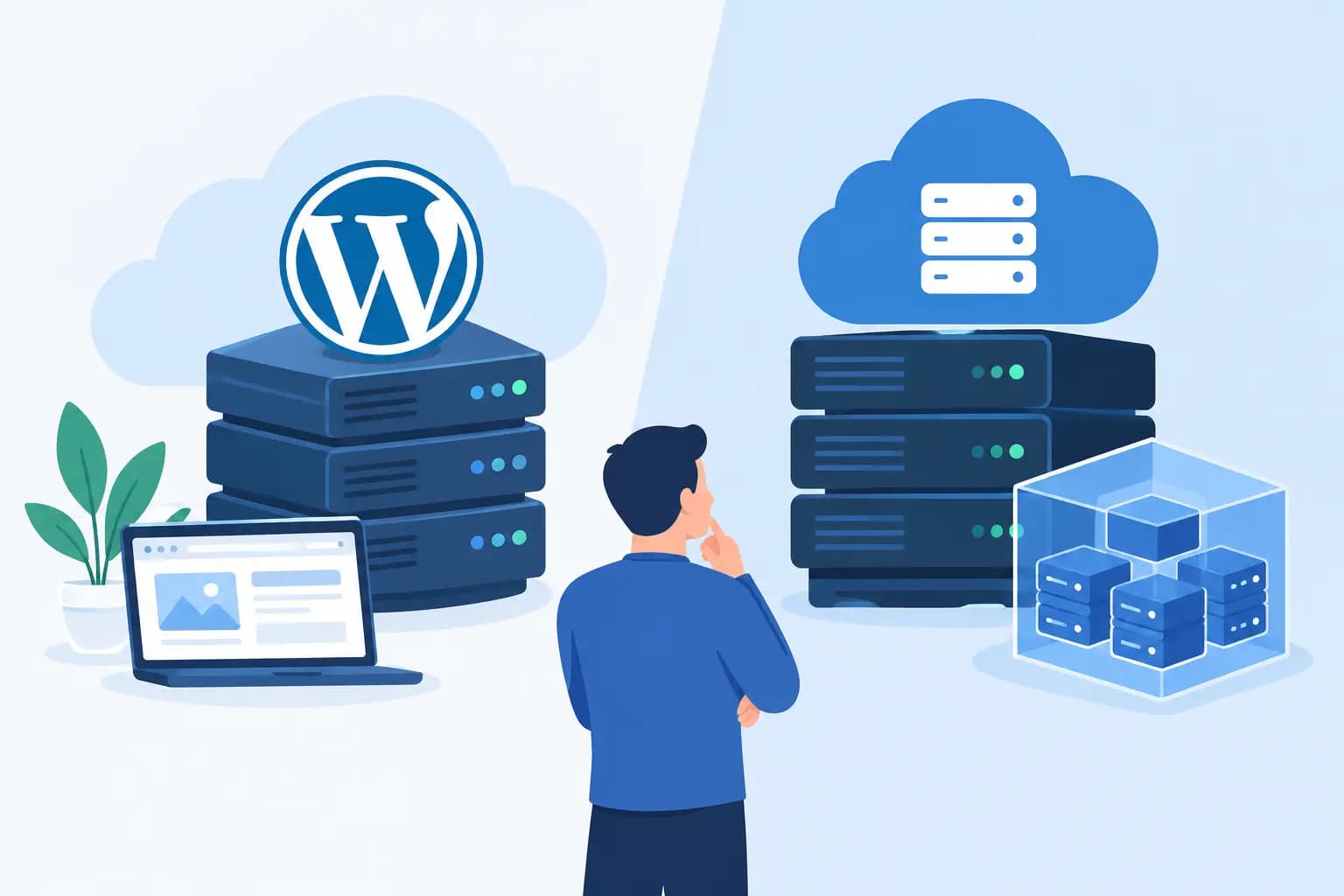
WordPress hosting versus VPS: the practical difference
A VPS, or Virtual Private Server, divides a physical server into separate virtual servers. Your VPS receives allocated CPU, RAM, storage and other resources that are reserved for your environment. While the underlying hardware is shared, your server operates with much greater independence than a typical shared hosting account.
This means more control. You can choose and configure software, tune server settings, run multiple applications and adjust the environment to suit a particular project. A VPS can host WordPress, but it can also support web applications, APIs, staging environments, custom databases and other business tools.
That flexibility comes with responsibility. An unmanaged VPS requires server knowledge. Someone must handle operating system updates, firewall rules, web server configuration, security hardening, monitoring, backups and recovery planning. A poorly configured VPS can be slower or less secure than good WordPress hosting, despite costing more.
Managed VPS options reduce that burden, but they also increase the monthly cost. Before choosing one, ask a direct question: does your team need server-level control, or do you simply need a WordPress website that works reliably? The answers lead to very different plans.
Speed and performance: resources are only part of the story
A VPS can deliver stronger and more consistent performance because its allocated resources are not competing with the activity of other hosting accounts in the same way. This matters for busy WooCommerce shops, membership sites, learning platforms, high-traffic news sites and websites with complex searches or filters.
However, a VPS is not a magic speed button. An oversized image library, a heavy page builder, too many plugins, unoptimised database tables or a poorly written theme can slow down any server. Before moving to a VPS, improve the basics: compress images, remove unused plugins, use caching, keep WordPress updated and review your theme.
A well-configured WordPress hosting plan with LiteSpeed caching, NVMe storage and Redis object caching can perform very well for a growing business site. If your pages are already optimised but the site still struggles during traffic peaks, then dedicated VPS resources may be the next logical step.
Security and maintenance: choose the workload you can support
Security is not just about where a website is hosted. It is about who keeps every layer up to date. WordPress hosting is designed to reduce routine administration. Providers typically maintain the hosting platform and may include malware scanning, web application firewalls, SSL tools, account isolation and protections such as Imunify360. You still need to update WordPress, themes and plugins, use strong passwords and keep reliable backups.
With a VPS, the responsibility depends on the service level. A managed VPS provider may look after important server tasks, while an unmanaged VPS places those tasks with you or your developer. This can be appropriate for an established company with technical staff, but it is a risk for a business that has nobody available when an update breaks a service at 9 pm.
For organisations collecting customer details, accepting online payments or running business-critical systems, clarify what is included before you buy. Ask about backup frequency, restoration support, uptime monitoring, malware protection, operating system patching and response times. Security promises are useful only when they are matched by clear processes.
Cost: compare the full price, not only the monthly figure
WordPress hosting generally has a lower starting cost and is easier to budget for. It is ideal when keeping overheads controlled matters, particularly for a new business, personal brand or local service provider building its first serious website.
A VPS costs more because you pay for dedicated allocations and, in many cases, management. The bigger cost can be technical time. If you need to hire a developer to configure, maintain and troubleshoot an unmanaged VPS, the true monthly investment may be considerably higher than the hosting fee.
That said, a VPS can be cost-effective when downtime or slow performance is already hurting revenue. For an online shop processing regular orders across Nigeria, a membership platform serving many users, or an agency hosting multiple demanding client projects, stronger resources and control may protect income and reputation.
When WordPress hosting is the better choice
Choose WordPress hosting when you want to launch quickly and manage your site without becoming a server administrator. It suits company websites, blogs, portfolios, landing pages, small-to-medium WooCommerce stores and organisations that need dependable performance with straightforward support.
It is also the better option when your website uses normal WordPress functionality and your traffic is steady rather than extremely high. A good plan leaves room to grow, while features such as daily backups, free SSL, caching and email tools make day-to-day management easier.
For most first websites, starting here is not settling for less. It is choosing a focused solution that matches the job.
When a VPS is worth the upgrade
A VPS is worth considering when your website consistently uses more resources than a WordPress hosting account can provide, or when you need software and configurations that shared environments cannot support. Warning signs include repeated resource-limit alerts, slow performance during known busy periods, a large WooCommerce catalogue, custom integrations, or a need to host several applications in one environment.
Developers may also prefer a VPS for command-line access, custom PHP versions, separate staging setups and more control over deployment. Established businesses with an in-house technical team can benefit from the flexibility, provided they have a realistic maintenance plan.
Do not upgrade solely because VPS sounds more professional. Upgrade because you can identify a present limitation and explain how dedicated resources or server control will solve it.
A sensible path for growing websites
Most businesses do not need to choose their final hosting setup on day one. Start with a WordPress hosting plan that has credible performance features and support, then monitor how the site behaves as content, visitors and sales increase. Review loading times, traffic patterns, plugin demands and resource usage every few months.
When the evidence points to an upgrade, plan the move before the website reaches breaking point. Take a verified backup, test the site in the new environment, check emails and forms, and schedule the migration for a quieter period. GiddyHost.ng can be a practical starting point for businesses that want WordPress-focused hosting before taking on the added control of a VPS.
Your hosting should support the work that brings customers to your business, not become another technical problem to manage. Choose the environment your team can run confidently today, then scale when your website gives you a clear reason to do so.