
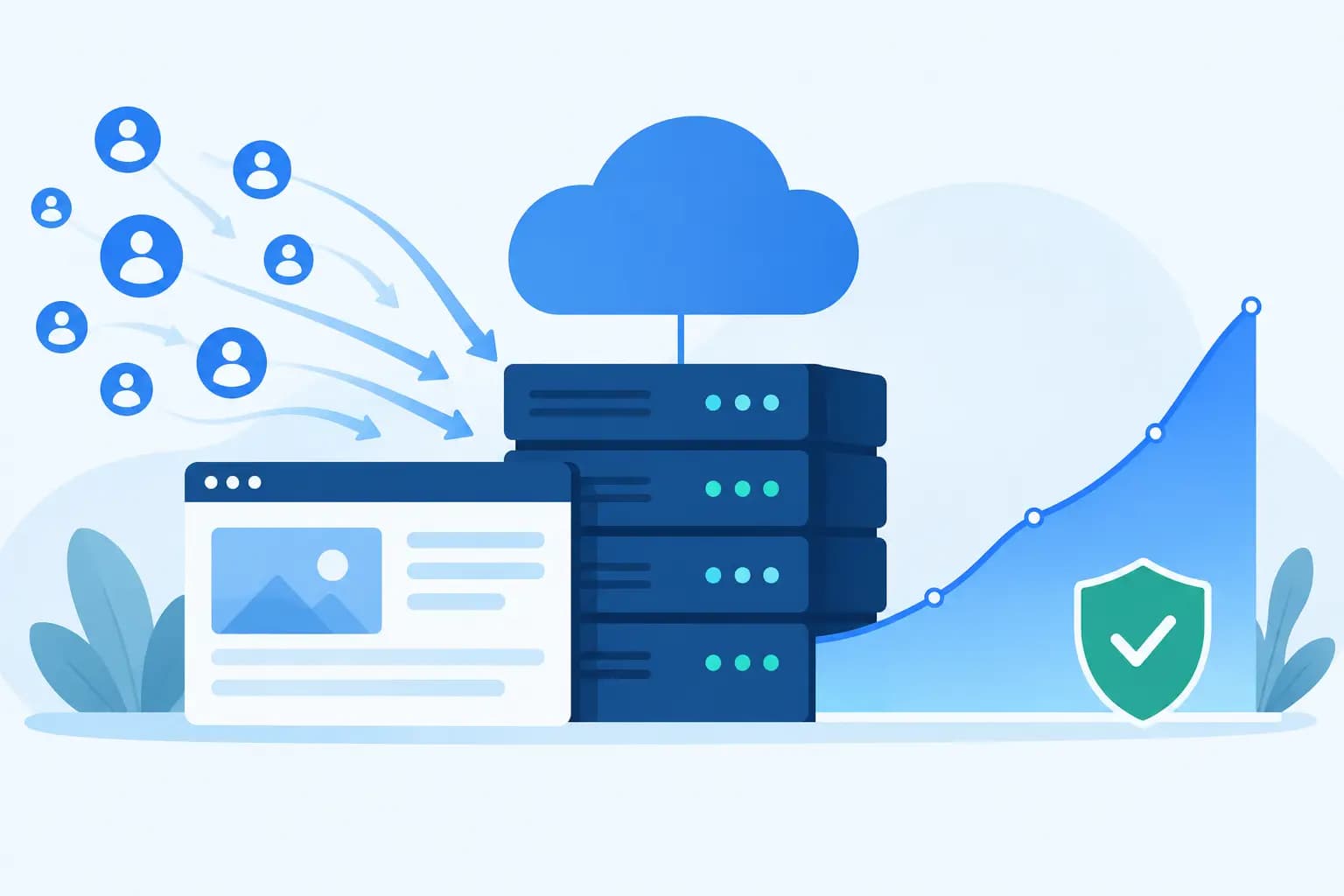

A flash sale goes live at 9:00 am. A popular creator shares your product on Instagram at 9:05. By 9:10, customers are refreshing your website, trying to pay, and sending messages because the page will not load. Can hosting handle traffic spikes at that moment? It can, but only when the hosting plan, website setup, and expected demand have been considered before the attention arrives.
For a Nigerian business, a slow or unavailable website during a peak moment is more than a technical inconvenience. It can mean abandoned orders, failed payment attempts, wasted advertising spend, and a loss of confidence that is hard to recover. The good news is that traffic spikes are manageable when you know what puts pressure on a website and when it is time to scale.
Can hosting handle traffic spikes?
Hosting can handle sudden increases in visitors, but not every hosting package is designed to cope with the same volume or type of activity. A brochure website with mostly text and images needs far fewer resources than an online shop where hundreds of people are searching, adding items to baskets, logging in, and checking out at once.
Your hosting account uses finite server resources, including CPU processing power, memory, storage input and output, and database capacity. During a spike, each visitor makes requests to the server. If those requests exceed the resources available, pages may become slow, return errors, or stop loading temporarily.
This does not automatically mean your host is poor. A low-cost shared hosting plan is an excellent starting point for many new websites because it keeps costs sensible. However, it shares server capacity with other accounts and has fair-use limits to protect everyone on the server. A fast-growing store, high-traffic blog, ticketing platform, or campaign landing page may need a plan with more dedicated capacity.
What actually causes a website to slow down?
Visitor numbers tell only part of the story. One thousand people reading a cached article may create less strain than fifty people completing transactions at the same time. The type of website and what each visitor does matter greatly.
Dynamic pages and database requests
WordPress websites, ecommerce stores, membership platforms, and booking systems often generate pages dynamically. That means the server may need to process PHP code and query a database every time someone views a page. Product searches, account logins, stock checks, and checkout pages are particularly demanding because they cannot always be served from a saved copy.
A properly configured cache reduces this work for repeat page views. Tools such as LiteSpeed Enterprise and Redis object caching can make a meaningful difference by serving content faster and reducing repeated database queries. Caching is not a substitute for adequate hosting resources, but it helps those resources go much further.
Heavy themes, plugins, and large media files
A website can struggle even with modest traffic if it is carrying unnecessary weight. An oversized homepage video, uncompressed product images, poorly coded plugins, too many tracking scripts, or an outdated theme can increase loading times and server usage.
This is especially common with WordPress sites built quickly over time. Every plugin may appear useful on its own, but several plugins performing similar tasks can create avoidable work in the background. Review them regularly, remove what is no longer needed, and keep the remaining software updated.
Bots, attacks, and unusual requests
Not every request comes from a potential customer. Search bots, spam bots, malicious login attempts, and automated scrapers can consume resources too. Security measures such as Web Application Firewalls, rate limiting, malware scanning, and Imunify360 help reduce this risk.
A traffic spike caused by genuine interest is a commercial opportunity. A spike created by abusive traffic is a security issue. Your hosting provider should be able to help identify the difference through resource and access logs.
Choose hosting for the traffic you expect, not just today’s price
The right plan depends on your website’s workload, growth plans, and tolerance for risk. A personal portfolio or early-stage business website may perform very well on quality shared hosting with NVMe storage, current PHP versions, daily backups, and a caching-ready server.
As sales and usage grow, managed WordPress hosting, business hosting, a VPS, or dedicated infrastructure may be more appropriate. These options provide more predictable resources and room to configure the environment around your application. They also cost more, so upgrading should be based on evidence rather than fear.
Watch for recurring signs: slow pages during busy periods, frequent resource-limit notifications, checkout delays, 5xx server errors, or a backend dashboard that becomes sluggish. If these happen after you have optimised the site, your hosting plan may have become the bottleneck.
At GiddyHost.ng, the practical question is not simply whether a plan has enough storage. It is whether it provides the speed, security, support, and headroom your website needs to keep serving customers as your business grows.
Prepare before the campaign starts
Do not wait until your paid advert, festive offer, product launch, or media mention is already sending visitors to your website. Preparation is cheaper and less stressful than emergency troubleshooting.
First, estimate likely demand. Look at past campaign results, social media reach, email subscriber numbers, and how many people usually visit during your busiest hour. You do not need a perfect forecast. A reasonable estimate helps you decide whether a standard plan is sufficient or whether a temporary upgrade makes sense.
Next, test the pages that matter commercially. Your homepage may load quickly while the product page, payment process, or contact form fails under pressure. Check the full customer journey on mobile networks as well as desktop connections. Many Nigerian customers will browse and buy on mobile devices, so a mobile-first test is essential.
Then optimise the basics: compress images, use modern image formats where suitable, enable caching, minimise unnecessary plugins, update your CMS and extensions, and make sure backups are current. If you use a third-party payment gateway, delivery calculator, or email service, confirm that those services can also cope with higher demand. Your website is only as reliable as the critical services connected to it.
For significant launches, ask your hosting provider in advance about your expected traffic window, the nature of the campaign, and your current resource usage. A good support team can advise on the sensible upgrade path and may spot configuration issues before they affect customers.
Scale intelligently when demand is real
Scaling does not always mean moving immediately to the largest server available. Sometimes better caching, database clean-up, image optimisation, or a content delivery network is enough. At other times, especially for busy ecommerce, learning platforms, or custom web applications, more CPU, RAM, and isolated resources are the sensible answer.
There is also a trade-off between affordability and headroom. Paying for far more capacity than you need every month can waste budget. Running a business-critical sales campaign on a plan that is already close to its limits can cost much more in lost orders. The goal is a hosting setup that matches your normal operations while allowing a realistic margin for busy periods.
Keep monitoring after the spike, too. Review visitor numbers, peak resource use, page speed, errors, and conversions. If traffic rose but sales did not, the problem may be page performance, checkout friction, pricing, or stock availability rather than hosting alone. Good decisions come from looking at the complete customer experience.
When you should upgrade urgently
An urgent upgrade is worth considering if your website repeatedly becomes unavailable during ordinary business activity, not only one exceptional event. It is also sensible when a major campaign has been confirmed, you are adding ecommerce or membership features, or your developer confirms that the application needs more server resources.
Do not treat an upgrade as a cure for poor website maintenance. More server power cannot fully compensate for insecure plugins, bloated code, an inefficient database, or huge unoptimised images. The strongest approach combines suitable hosting with an organised, well-maintained website.
Traffic spikes are a sign that people are finding your business. Make sure that interest meets a fast, secure website and a checkout or enquiry process ready to turn attention into action.


