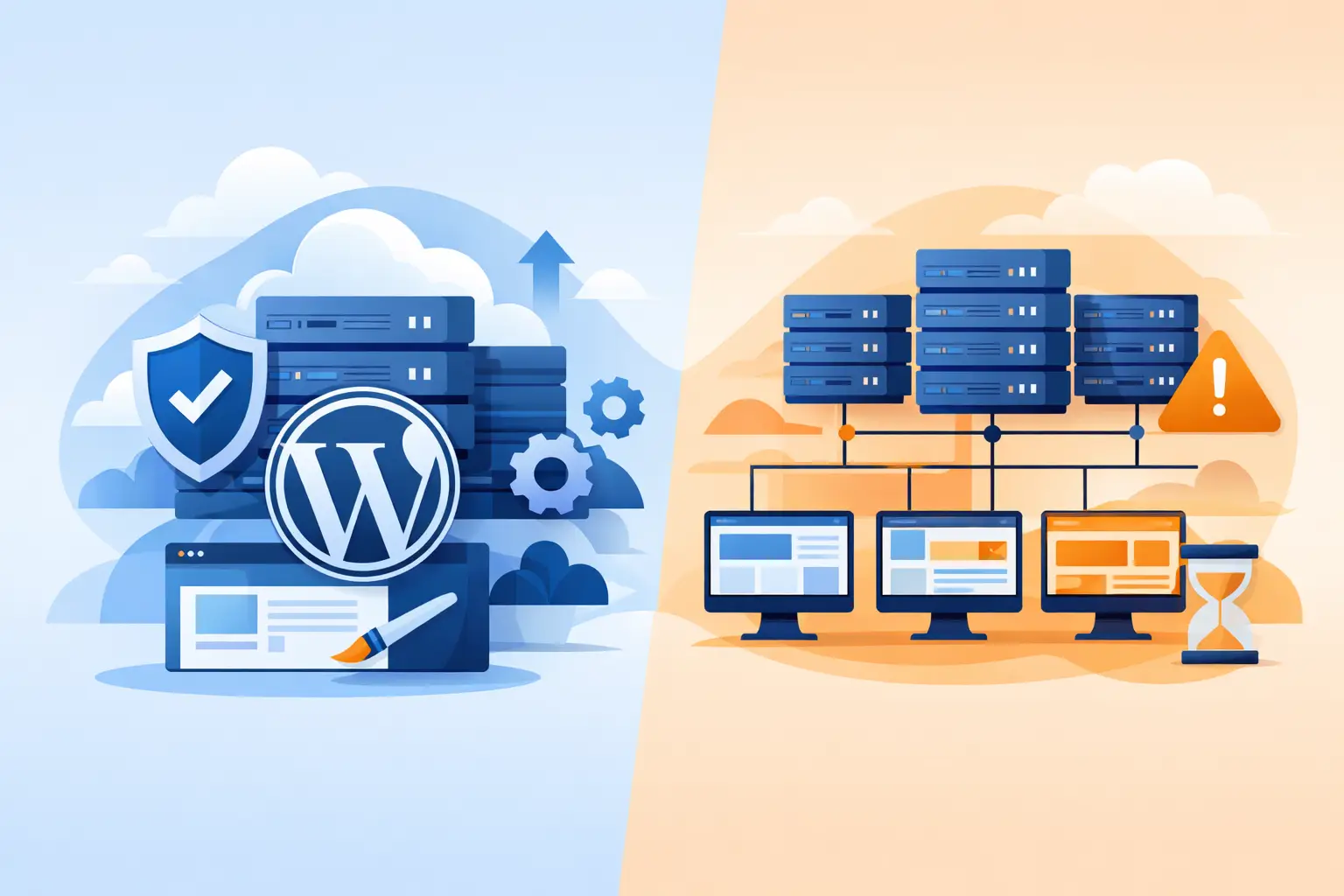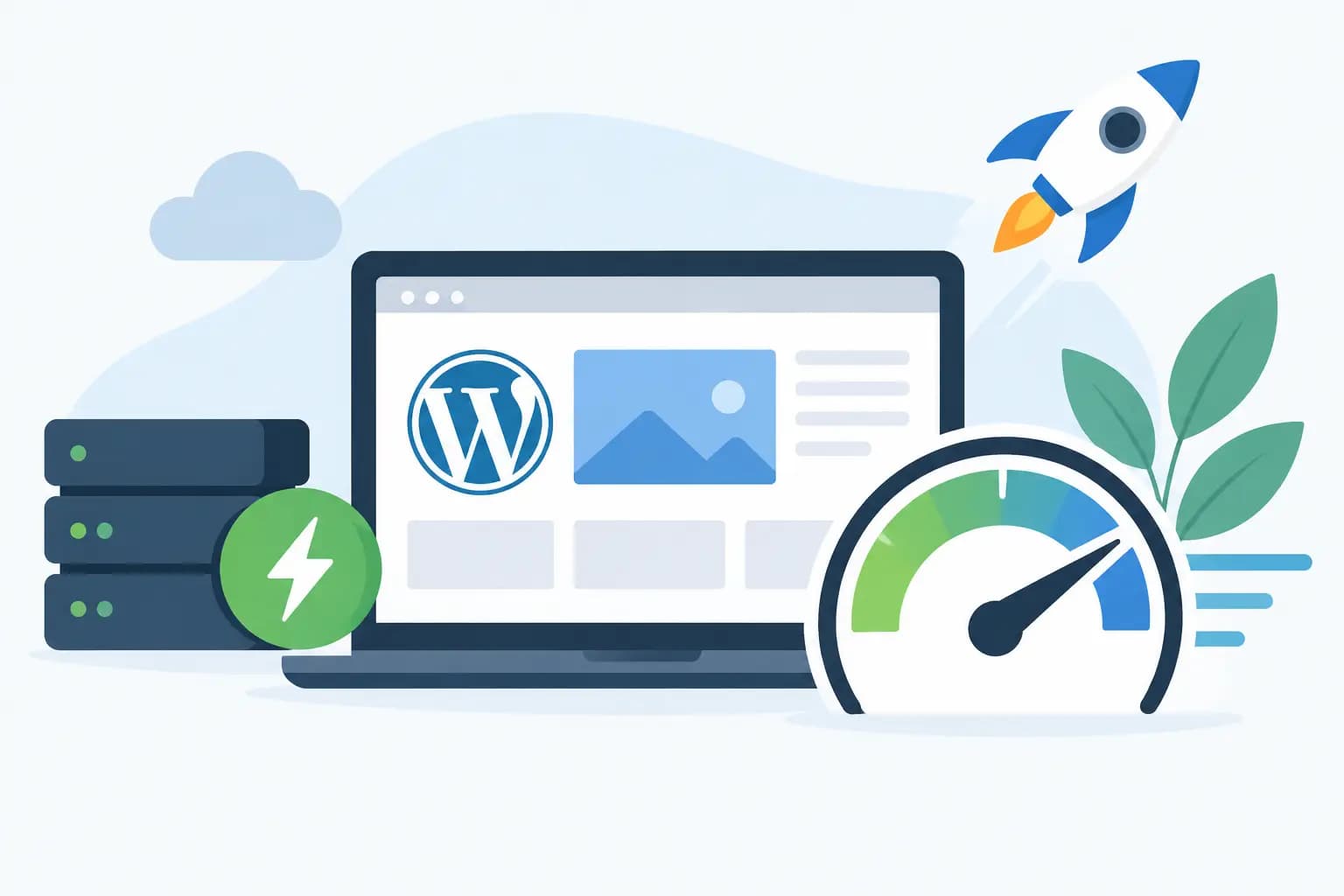

A slow website does not merely test a visitor’s patience. It can cost a Lagos fashion store an order, make a professional services firm look less credible, or cause a customer to abandon a booking form before submitting it. This WordPress speed optimisation example shows how a typical small business website can move from frustratingly slow to noticeably faster by fixing the issues that matter most.
The goal is not to chase a perfect score for its own sake. The goal is to help real visitors load product pages, read your services, contact your business and pay without waiting. For Nigerian businesses, where visitors may be browsing on mobile data and varied network connections, that difference has direct commercial value.
The WordPress speed optimisation example
Imagine an online cosmetics business using WordPress and WooCommerce. Its homepage displays a large hero banner, 20 featured products, Instagram images, pop-ups, customer reviews and several marketing scripts. On mobile, the page takes more than eight seconds to become properly usable.
The business owner assumes WordPress is the problem. It is not. WordPress is capable of running fast websites, but speed depends on the combined weight of the theme, plugins, images, database, server resources and how each element is configured.
After an initial review, the main causes are clear: oversized images, no effective page cache, too many front-end scripts, an overloaded homepage and entry-level hosting that does not have enough resources for busy shopping periods.
Here is how the site can be improved without rebuilding it from scratch.
Step 1: Measure the right pages before changing anything
Start with the homepage, a product page, the basket, checkout and contact page. A homepage can load quickly while the checkout page remains slow, which is the page where speed matters most for revenue.
Record the current loading time, page size, number of requests and the largest visible content item. Also test on a mobile connection, not only a fast office Wi-Fi network. This baseline makes it possible to see whether each change is genuinely helping.
For this example, the homepage is 5.8 MB, mainly because of high-resolution product photos and a 2.4 MB banner image. It also loads 96 requests, including scripts from sliders, pop-ups, social feeds and tracking tools.
Step 2: Reduce image weight without reducing product appeal
Product images need to look sharp, but uploading a 4,000-pixel photo where a 900-pixel image is displayed wastes bandwidth. Resize images to the largest dimensions actually needed by the theme, then compress them before or during upload.
Modern image formats such as WebP can reduce file sizes significantly while keeping good visual quality. The hero banner is converted from a 2.4 MB PNG to a well-compressed WebP file under 250 KB. The product gallery images are also resized and compressed.
Lazy loading should be enabled for images below the first screen. This tells the browser not to download every image at once when a visitor lands on the page. However, do not lazy-load the main hero image or the first product image visible on screen. Those images should load immediately because they affect the visitor’s first impression.
The result is a homepage that drops from 5.8 MB to roughly 1.7 MB before any hosting or code changes are made.
Step 3: Remove what the customer never needed
Every plugin should have a business reason to exist. In this example, the homepage has two slider plugins, a social media feed that refreshes on every visit, a chat tool, three analytics-related scripts and a pop-up system running on all pages.
The business keeps one simple hero section instead of an animated slider. Sliders often look impressive during setup but can add large images, JavaScript and layout movement that distracts shoppers. The Instagram feed is moved to a dedicated social page, while the pop-up is limited to selected landing pages rather than appearing everywhere.
This is where trade-offs matter. A chat widget may help sales, and analytics are useful for marketing decisions. The right choice is not to delete every third-party script. It is to keep the tools that earn their place and stop loading them on pages where they add no value.
Step 4: Add caching that matches the website
Caching is one of the most effective improvements for a WordPress site. Instead of rebuilding the same page for every visitor, page caching stores a ready-to-send version. This reduces server work and can make repeat page delivery much faster.
For a business site or blog, full-page caching can cover most pages. For WooCommerce, the basket, checkout and customer account pages must be excluded because they contain personalised information. Caching those pages incorrectly can create confusing basket or login issues.
Object caching is also valuable for active websites. Redis object caching can reduce repeated database queries, particularly where WooCommerce products, filters and logged-in activity create extra demand. Combined with LiteSpeed Enterprise caching on a suitable server, this gives WordPress a far stronger foundation than relying on a collection of disconnected optimisation plugins.
Step 5: Make the database and theme work less hard
Over time, WordPress databases collect post revisions, expired temporary data, spam comments, old plugin tables and other clutter. Cleaning this safely can reduce unnecessary queries, but it should be done with a backup in place. Do not remove database entries blindly, especially on an established WooCommerce website.
The theme also deserves attention. A heavily customised multipurpose theme may load page-builder assets, icon libraries and styling files that are never used. Before changing themes, first disable unused modules and review template settings. A theme replacement can improve speed, but it can also break layouts or require redevelopment.
In our example, unused page-builder elements are disabled and old revisions are cleared. The site owner chooses not to change themes immediately because the current design converts well. That is a sensible decision. A faster website is valuable, but not if a rushed redesign damages a trusted brand or creates weeks of disruption.
Results from this WordPress speed optimisation example
After image optimisation, plugin review, caching, database housekeeping and server-level improvements, the homepage falls from over eight seconds to around two and a half seconds on a realistic mobile test. The number of requests falls from 96 to 54, while the page size drops by more than two-thirds.
The checkout page improves as well because it no longer competes with unnecessary global scripts. Product pages feel more responsive, and the server has more capacity when several customers browse at the same time.
Your figures will differ. A brochure website in Abuja with five pages has different needs from a busy WooCommerce store serving customers nationwide. Still, the same principle applies: fix the largest bottleneck first instead of installing every speed plugin you can find.
Hosting is part of the performance plan
A well-optimised site can still feel slow when the hosting platform is underpowered or poorly configured. Cheap hosting may appear affordable until the website receives traffic from a campaign, product launch or festive sales period and begins to struggle.
Look for WordPress hosting with NVMe storage, sufficient CPU and memory resources, current PHP versions, daily backups, malware protection and caching support. Reliable support matters too. When a business email, website or checkout is affected, you need a team that can help identify whether the issue is caused by hosting, WordPress or a plugin conflict.
GiddyHost provides WordPress-focused hosting options for businesses that need the technical foundation to load quickly, stay protected and grow without unnecessary complexity.
Keep speed from slipping back
Website speed is not a one-time project. It can decline gradually as new images, plugins, tracking codes and design sections are added. Check key pages after major updates, test before launching new campaign pages and review plugins every few months.
Before adding any feature, ask one practical question: will this help the customer complete an action, or will it simply make the site heavier? That small habit protects the speed you have worked to achieve and keeps your website ready for the next customer.