
A customer has requested a quote, signed up for an update or bought from your website. You send the follow-up, but they never reply. Often, the problem is not the offer or the recipient’s interest. It is that your message never reached the inbox. Understanding why emails reach spam folders helps Nigerian businesses protect sales conversations, payment reminders, order updates and everyday customer trust.
Spam filters do not make decisions based on one word or one technical setting. Gmail, Outlook, Yahoo and business email systems assess a combination of signals: who sent the message, whether the sender is authorised, how recipients react, what the content looks like and whether the sending pattern appears trustworthy. A legitimate email can still be filtered when those signals do not align.
Why Emails Reach Spam Folders
The most common cause is a weak sender identity. If you send business messages from a free personal address while asking customers to visit your website, download an invoice or make a payment, email providers may struggle to verify that the message genuinely came from your business. A professional email address on your own domain gives you a stronger, more consistent identity.
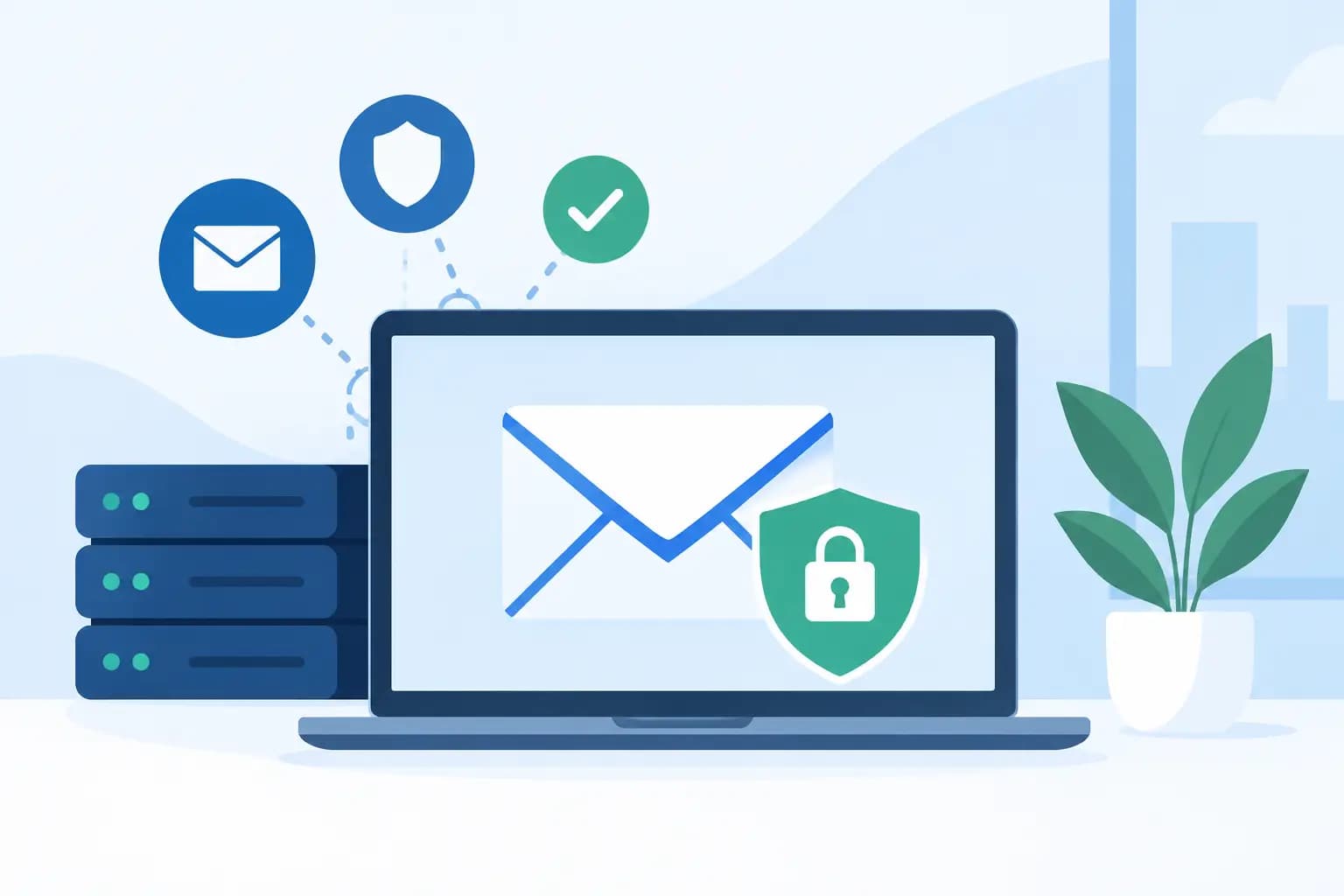
Authentication is the technical layer behind that identity. Three records matter most: SPF, DKIM and DMARC. SPF identifies the servers permitted to send email for your domain. DKIM adds a digital signature that helps receiving servers confirm the message was not changed in transit. DMARC tells receiving providers how to handle messages that fail those checks and provides reporting on possible misuse of your domain.
These settings are not only for large companies. A small business in Lagos sending invoices, a school in Abuja emailing parents, or an online store serving customers nationwide can all benefit from correct authentication. Without it, even well-written messages may be treated with caution.
Sender reputation also carries significant weight. Every domain and sending server develops a reputation over time. If recipients frequently mark your messages as spam, delete them without reading, or never open them, your future campaigns are more likely to be filtered. Reputation can also suffer when a new domain sends a high volume of messages without a gradual build-up.
This is why buying an email list is a costly shortcut. The addresses may be old, irrelevant or collected without clear consent. Low engagement and spam complaints can damage your sending reputation quickly, making it harder for genuine customers to receive important messages afterwards.
Your Website and Email Setup Matter
Email deliverability is closely connected to your domain and hosting environment. A website with a compromised contact form, outdated plugins or weak passwords can be used to send malicious messages without the owner noticing. Once a domain becomes associated with suspicious activity, recovering its reputation takes time.
For WordPress websites, keep the core software, themes and plugins updated. Use strong administrator passwords, limit unnecessary user accounts and protect forms against automated submissions. Security tools such as malware scanning and firewall protection reduce the risk of your website becoming a source of spam.
It also helps to separate website-generated emails from promotional campaigns. Contact form notifications, password resets and order confirmations should be sent through a properly configured transactional email service or authenticated business mailbox. Bulk newsletters should be managed through a platform built for marketing sends. Using the wrong tool for the wrong volume can affect delivery and make troubleshooting harder.
Shared hosting is not automatically a problem, but the quality of the hosting provider matters. On a well-managed platform, abusive accounts are monitored and stopped so they do not affect other customers. For businesses with high sending volumes or critical email workflows, a dedicated sending setup may offer more control. The right option depends on your email volume, the sensitivity of your messages and how quickly you expect to grow.
Content Can Trigger Filters, but Context Matters
Many businesses assume spam filtering is all about banned words. That is only partly true. Phrases such as “urgent action required”, “100% free”, excessive capital letters and too many exclamation marks can make an email look promotional or deceptive, particularly when combined with poor authentication or a weak reputation.
The bigger issue is whether the message matches the recipient’s expectation. If someone downloads a brochure and receives a relevant follow-up, that is different from receiving repeated sales emails they never requested. Clear subject lines, an identifiable sender name and content that delivers on the promise of the subject line all support stronger engagement.
Avoid image-only emails, especially for important business communication. Filters cannot read images as reliably as text, and recipients may have images disabled. Use a balanced layout with readable text, a plain-text version and a modest number of links. Make sure every link uses a trustworthy domain that matches your business identity.
For marketing emails, include a visible way to unsubscribe. Trying to retain unwilling recipients usually produces complaints, not sales. A smaller list of people who genuinely want to hear from you is more valuable than a large list that harms your sender reputation.
Common mistakes that reduce inbox placement
A few recurring habits create avoidable deliverability issues:
- Sending bulk campaigns from a standard business mailbox or website server.
- Using a “From” address that differs from the domain behind the links in the email.
- Adding people to a marketing list without clear permission.
- Sending irregularly, then suddenly emailing thousands of contacts at once.
- Leaving SPF, DKIM or DMARC incomplete after changing hosting, domains or email providers.
- Repeatedly emailing addresses that have bounced or have not engaged for a long time.
Build a Healthier Sending Reputation
Start by auditing the technical basics. Confirm that your domain’s SPF record includes every legitimate sending service. Enable DKIM for your business mailbox and any email marketing platform you use. Add a DMARC policy gradually, beginning with monitoring so you can identify authorised and unauthorised senders before applying stricter enforcement.
Next, review the addresses on your list. Remove hard bounces promptly, and consider re-engaging inactive subscribers before continuing to send them regular campaigns. If they do not respond, stop mailing them. This protects your metrics and focuses your budget on people more likely to become customers.
New domains require patience. Do not launch a new website and immediately send a large promotional blast. Begin with smaller groups of recipients who already know your business and are likely to engage. Increase volume steadily as your sending record develops. This process is often called warming up a domain, although it should never mean sending unwanted messages simply to create activity.
Monitor results beyond open rates. Look at delivery failures, spam complaints, unsubscribe rates and replies. A high open rate can be misleading because privacy features may affect tracking. Direct replies, clicks from interested contacts and low complaint rates are stronger signs that your emails are useful and welcome.
Practical Checks Before You Press Send
Before sending an important campaign or customer update, check that the sender address uses your domain, the reply address is monitored and the recipient has a reason to expect the message. Read the subject line as your customer would. Does it accurately describe the email, or does it create pressure without providing value?
Then test the email across a few major providers. Send it to accounts on Gmail, Outlook and another service used by your team, and inspect where it lands. If it reaches spam, do not keep resending the same message hoping for a different outcome. Check authentication, simplify the content and review the sending history first.
For transactional messages such as invoices, password resets and booking confirmations, speed and reliability matter more than promotional design. Keep these emails clean, recognisable and closely tied to an action the customer has just taken. A clear sender name such as “Your Business Support” is more reassuring than an unfamiliar personal address.
GiddyHost.ng can help businesses set up domain-based email and hosting environments that support secure, professional communication. However, technology is only one part of deliverability. The most reliable inbox strategy is to send messages people expect, from an identity they can verify, at a frequency they find useful.
Treat every email as part of your business reputation. When customers recognise the sender, trust the purpose and find value in the message, inbox placement becomes easier to maintain – and each email has a better chance of starting the conversation you intended.