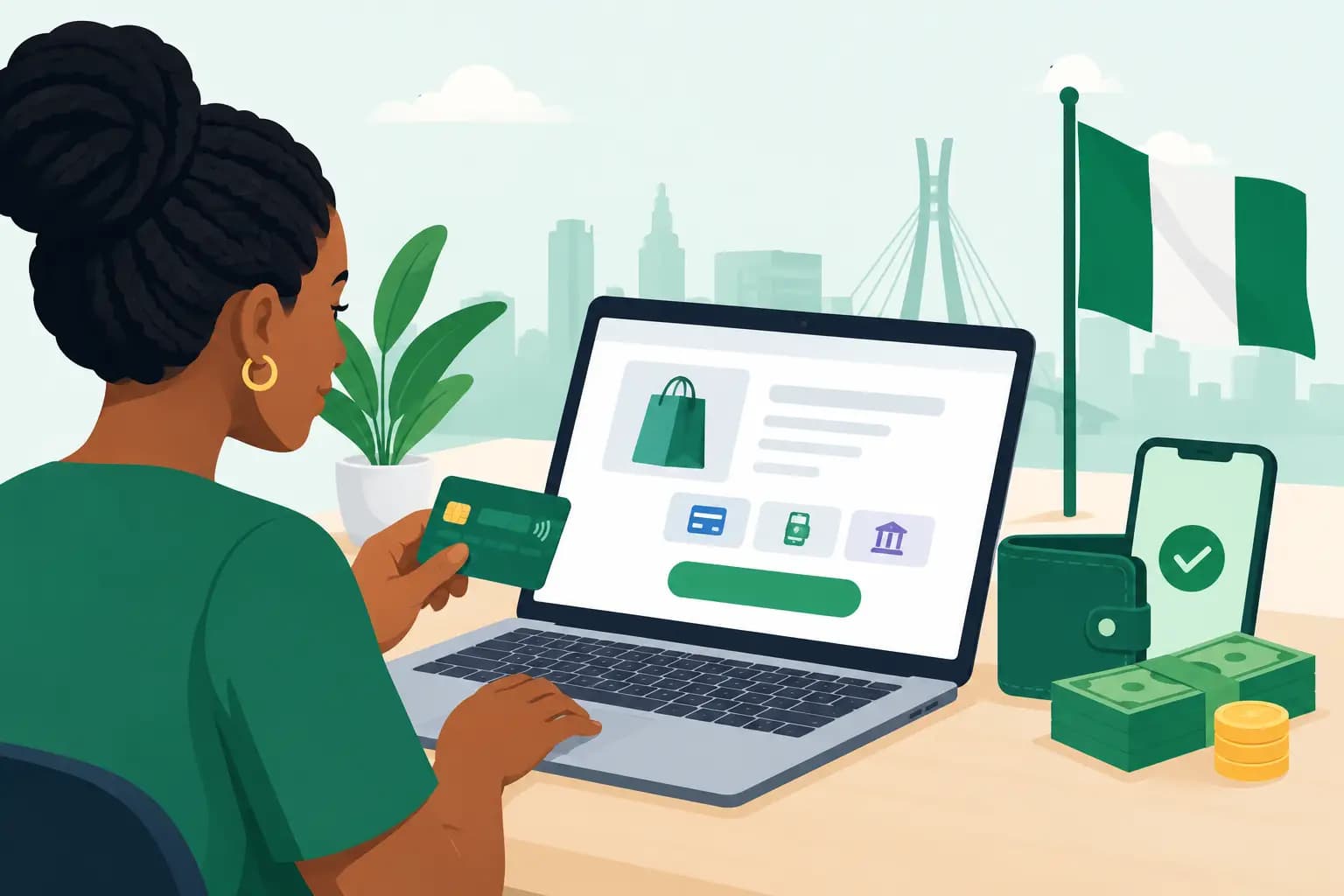

A customer finds your product, checks the price, and is ready to buy. If they must leave your website to send a WhatsApp message, wait for bank details, or upload a transfer receipt, some will change their minds. So, can websites accept payments? Yes. With the right hosting, payment gateway and security setup, a Nigerian website can collect payments online around the clock.
For a small business, this is more than a technical feature. It turns a website from an online brochure into a working sales channel. Whether you sell clothing in Lagos, offer consulting in Abuja, run an online course, collect membership fees, or accept bookings in Port Harcourt, customers expect a quick and trustworthy way to pay.
Can websites accept payments in Nigeria?
Yes, websites can accept payments from customers in Nigeria and, depending on the payment provider and your account type, from customers abroad. Most businesses connect their site to a payment gateway. The gateway securely processes card payments, bank transfers, USSD, mobile money options where available, and other supported methods, then settles funds into the business bank account.
Your website does not normally store a customer’s card number. That sensitive payment information is handled by the payment gateway through a protected checkout process. This reduces your security burden while giving buyers familiar payment options.
The exact methods your site can offer depend on the gateway you choose, your business verification level, your industry, and whether you need to receive international payments. A freelancer collecting deposits may need a simple payment link. An online shop with hundreds of products needs a checkout connected to stock, delivery fees and order notifications.
Three practical ways to collect payments online
The right payment approach depends on how your business operates. There is no need to build a complex online shop if you only invoice a few clients each month.
Payment links for quick collections
A payment link is a secure checkout URL created through a payment provider. You can add it to a button on your website, share it by WhatsApp, or include it in an invoice. It works well for service businesses, event registrations, donations, consultation fees and one-off product orders.
It is fast to set up, but it is less automated than a full shop. You may still need to confirm orders manually and manage fulfilment outside the website.
Website checkout for online shops
If you sell products regularly, customers should be able to add items to a basket, enter delivery details and pay at checkout. Platforms such as WordPress with WooCommerce can support this model when paired with a compatible payment gateway.
This approach gives customers a proper shopping experience and helps you track orders, stock and sales. It needs more initial configuration, including product pages, shipping rules, refund terms and email notifications, but it is the better option for a growing retail business.
Invoice and booking payments
Professional services often need payment stages rather than a conventional basket. A website can collect a booking fee, deposit, recurring subscription or final invoice payment. For example, a photographer can take a 50 per cent booking deposit, while a training company can collect course fees before issuing access details.
The key is to make the amount, service scope and refund conditions clear before the customer pays. Clear expectations reduce disputes and build trust.
What your website needs before accepting payments
A payment gateway alone is not enough. Your website needs a dependable foundation, especially when customers are entering contact details or paying during a promotion.
First, use a domain name that matches your business identity. A domain based on your brand looks more credible than a social media profile or an unfamiliar web address. Customers should immediately recognise who they are buying from.
Next, choose hosting that can keep your website fast and available. A slow checkout page costs sales, particularly for mobile users on varying network connections. Look for dependable uptime, SSL support, regular backups and protection against common attacks. For a WordPress shop, performance features such as NVMe storage, LiteSpeed Enterprise and Redis object caching can help pages load quickly as traffic and product numbers increase.
You also need an SSL certificate. SSL enables HTTPS and encrypts data sent between a visitor’s browser and your website. Browsers flag websites without HTTPS as insecure, which is a serious warning sign when money is involved. SSL does not replace a payment gateway, but both are essential parts of a safer checkout experience.
Finally, prepare your business details. Many payment providers require identity verification, a Nigerian bank account, business information, a working website and policy pages. Requirements vary, but having your details organised before applying will make onboarding easier.
How to set up website payments safely
Start by deciding what customers should pay for and how the transaction should work. Will they pay a fixed product price, a custom invoice, a recurring monthly fee, or a deposit? This decision shapes the tools you need.
Then choose a payment gateway that supports your preferred channels and integrates with your website platform. Compare transaction fees, settlement timelines, supported currencies, refund tools, subscription support and customer assistance. A lower fee may look attractive, but it may not be the best choice if it cannot support the payment methods your customers use most.
After your account is approved, install the gateway’s official integration or a well-maintained plugin for your website platform. Add the required API keys carefully and use test mode before taking live payments. Test the full customer journey: selecting an item, entering contact details, making payment, receiving confirmation and seeing the order recorded in your dashboard.
Before launch, publish clear pages for delivery, returns or refunds, privacy and terms of service. Customers should know when their order will arrive, how to contact you and what happens if there is a problem. These pages also support payment provider verification and make your business look established.
Do not forget the operational side. Set up order notification emails, check that they arrive in your inbox, and decide who will handle failed payments, customer questions and refunds. Payment acceptance is not only about collecting money. It is about completing the promise made at checkout.
Security practices that protect your customers and business
Online payment security is ongoing. Keep your website software, themes and plugins updated, and remove any extensions you no longer use. Outdated plugins are a common route for attackers, particularly on WordPress websites.
Use strong, unique passwords and enable two-factor authentication for your hosting account, website administrator account and payment dashboard. Limit administrator access to people who genuinely need it. If a staff member leaves, remove their access promptly.
Regular backups matter too. A backup will not prevent fraud, but it can save valuable time if a website update fails or a security incident occurs. Store backups securely and test that they can be restored.
Be careful with requests that arrive by email or messaging apps. Fraudsters may impersonate a payment provider, customer or web developer to request login details. Legitimate providers do not need your password to investigate a transaction. Verify unusual requests through the provider’s official support channel.
Common mistakes that reduce payment success
Many payment problems are avoidable. The first is hiding the total cost until the final step. Show product prices, delivery charges and any applicable fees early, so buyers are not surprised at checkout.
Another is forcing customers to create an account before they can pay. For many businesses, guest checkout reduces friction. You can still offer account creation after an order is complete.
Businesses also lose trust by using a checkout page that does not match their brand or by failing to display contact details. Include a business email address, phone number and clear support process. A professional email on your own domain is more reassuring than a personal address.
Finally, do not treat every unsuccessful payment as a technical failure. A customer may have insufficient funds, an expired card, a bank restriction or a poor connection. Provide an easy way to try again or choose another payment method rather than making them restart the entire order.
Build a checkout customers are happy to use
Accepting payments on your website gives your business more control over sales, customer data and service delivery. It can also reduce the manual work of chasing transfer receipts and confirming payments one by one. The goal is not simply to add a Pay Now button. It is to create a fast, secure and credible buying experience that makes customers comfortable completing their order.
With reliable hosting, HTTPS, a suitable payment gateway and clear customer policies, even a new Nigerian business can begin selling professionally online. GiddyHost.ng can provide the hosting foundation for a website built to support that next sale.