
A visitor is ready to pay for your product, book your service or submit an enquiry. Then their browser shows “Not secure” beside your website address. For many Nigerian customers, that warning is enough to close the tab and look elsewhere. So, what does an SSL certificate do? It helps protect the information moving between your website and its visitors, while showing browsers and customers that they are connected to the real site.
SSL is one of the simplest security foundations for any serious website. Whether you run a WordPress blog, an online store, a portfolio, a school website or a growing agency, it helps you turn a basic website address into a safer HTTPS connection.
What Does an SSL Certificate Do?
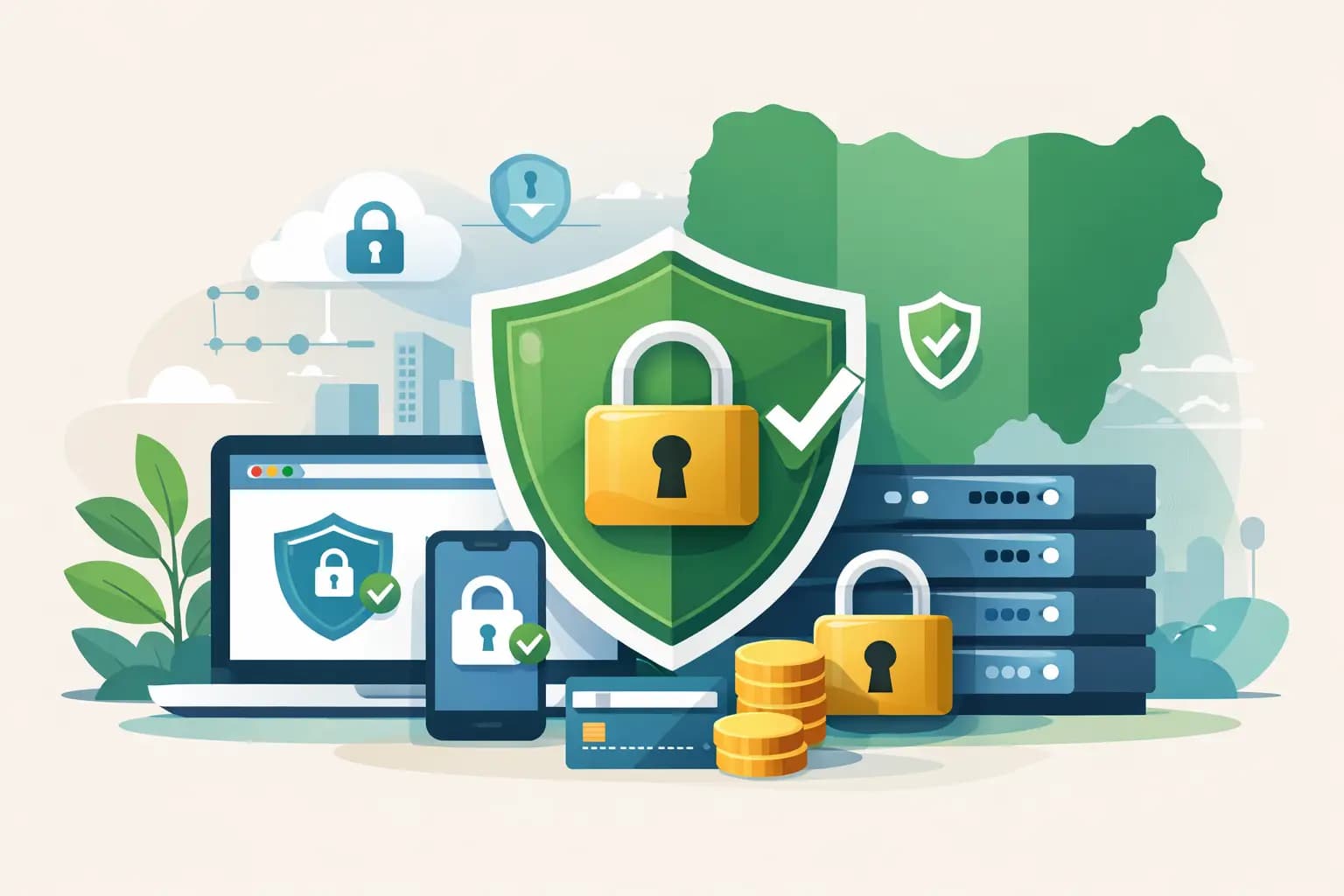
An SSL certificate creates an encrypted connection between a visitor’s browser and your web server. Encryption converts readable information into coded data while it travels across the internet. If somebody intercepts that data, they should not be able to read or use it without the correct encryption keys.
This matters whenever a person enters information on your site. It could be a password, contact form message, email address, card detail, login session or customer delivery information. Without HTTPS and a valid SSL certificate, data can be exposed or altered more easily, particularly on unsecured public Wi-Fi networks.
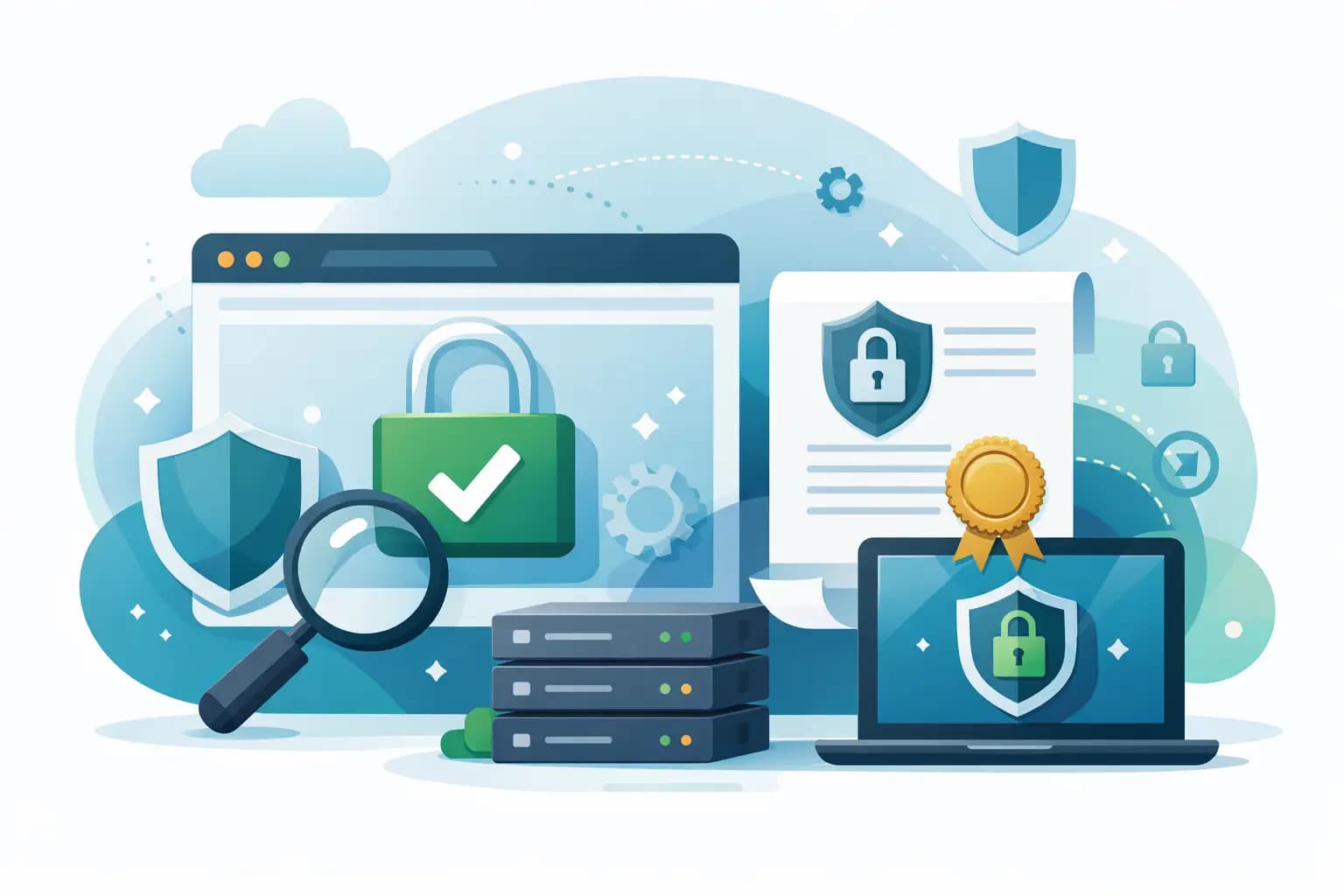
An SSL certificate also confirms that the certificate was issued for your domain. In practical terms, it helps a browser verify that a visitor reaching yourdomain.ng is communicating with your website, not an imitation designed to collect customer information.
When SSL is correctly installed, your address begins with https:// rather than http://. Most modern browsers also show a padlock-style security indicator. The exact icon differs by browser, but the real value is the encrypted connection behind it, not the symbol alone.
The Three Jobs SSL Performs
SSL is often described as a website security feature, but that phrase can feel vague. Its value becomes clearer when you look at the three jobs it performs.
It encrypts data in transit
Encryption protects data while it moves from a customer’s device to your server and back again. For example, when a customer logs into their account on an e-commerce site, their password is protected during that journey.
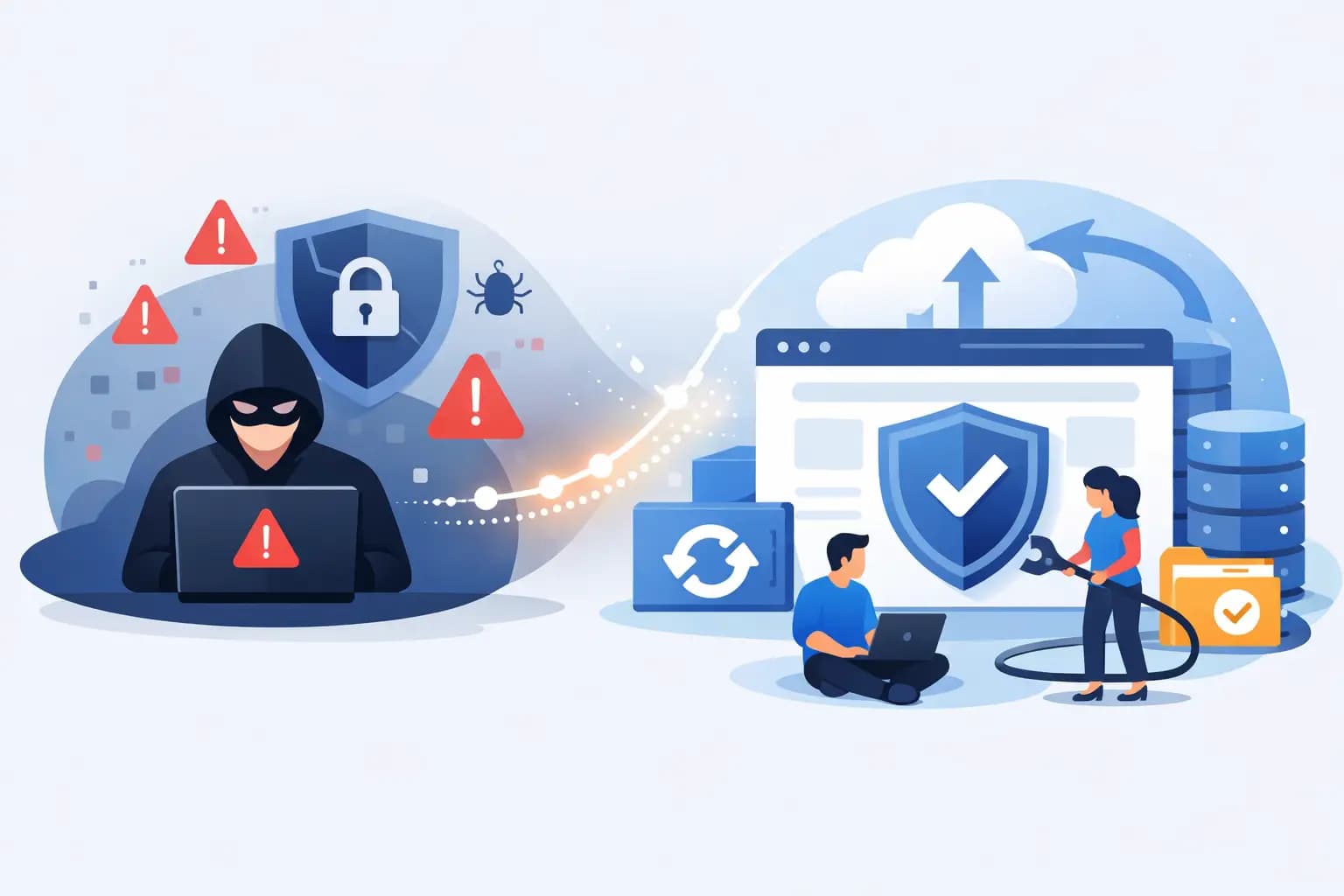
SSL does not encrypt every part of your business. It does not automatically secure files sitting on your server, prevent a weak administrator password, or remove malware from an infected WordPress installation. Those risks need separate controls such as strong passwords, updates, backups, malware protection and secure hosting.
It verifies website identity
A certificate is tied to a domain name. This gives browsers a way to check that the site presenting itself as your business has a valid certificate for that address.
The level of verification depends on the certificate type. A Domain Validated certificate confirms control of the domain and is suitable for many blogs, portfolios and small-business websites. Organisation Validated and Extended Validation certificates involve additional business checks. They can be useful where a company wants a higher level of visible organisational verification, although all valid SSL certificate types provide encryption.
It builds customer confidence
Trust is commercial. A customer may not understand TLS handshakes or encryption protocols, but they understand browser warnings. A secure HTTPS address removes a visible reason to hesitate before filling out a form, creating an account or completing a purchase.
For a business taking orders in naira, collecting enquiries through WhatsApp-linked landing pages, or accepting payments through a gateway, that reassurance matters. It tells customers that you have taken a basic but meaningful step to protect their interaction with your business.
SSL, HTTPS and TLS: What Is the Difference?
People usually say “SSL certificate”, and that is the term used by hosting providers and website owners. Technically, modern encrypted web connections use TLS, which is the newer and more secure successor to SSL.
HTTPS is the secure version of HTTP, the protocol used to load web pages. Your SSL certificate enables the TLS encryption that allows HTTPS to work. The terminology can be confusing, but the action for a website owner is straightforward: install and maintain a valid SSL certificate, then ensure your website redirects visitors to HTTPS.
If you have a certificate but some page resources still load through HTTP, browsers may report mixed content. This can happen when images, scripts or fonts are hard-coded with an old HTTP address. The page may appear to work, but the security signal is weakened and some browser features may fail. A proper HTTPS check after installation is worth the few minutes it takes.
Why SSL Matters for Search, Sales and Forms
SSL is not a magic route to the top of Google search results. Good content, site speed, mobile usability, relevant pages and a healthy technical setup still matter more. However, HTTPS is expected on modern websites and is a recognised security-related ranking consideration.
More importantly, it prevents avoidable friction. Browsers can label HTTP pages as not secure, especially where users enter information. Imagine spending money on Instagram adverts only to send prospects to a page that makes their browser raise a warning. The issue is not only technical – it can directly reduce leads and sales.
SSL is essential for online shops, membership sites, client portals and any website with logins or forms. But even a simple brochure website benefits from it. Contact forms often collect names, telephone numbers and email addresses, which are still personal information worth protecting.
Which SSL Certificate Does Your Website Need?
The right certificate depends on your domain setup, the type of site you run and how you manage it. For one website with one primary domain, a standard single-domain certificate is usually enough.
A wildcard certificate protects a main domain and unlimited first-level subdomains, such as shop.yourdomain.ng, blog.yourdomain.ng and mail.yourdomain.ng. It is useful for businesses running several services under one domain. A multi-domain certificate, sometimes called SAN SSL, can protect several distinct domain names within one certificate.
Do not buy a more expensive certificate simply because it sounds more advanced. A standard Domain Validated certificate provides strong encryption for most websites. The bigger decision is whether you need coverage for multiple subdomains or separate domains, and whether your business requires additional validation for policy or customer-assurance reasons.
Many hosting plans include free SSL, which is a practical option for new sites and small businesses. Paid SSL certificates may offer different validation levels, warranties, support arrangements or coverage options. The encryption itself should not be treated as an optional extra – your site needs HTTPS either way.
How to Tell Whether SSL Is Working Properly
First, type your website address with https:// in front of it. The page should load without a certificate warning. Then check that the browser does not show “Not secure” and that clicking the security indicator displays a valid certificate issued for your domain.
Next, test key pages in a private browser window: your homepage, contact form, login area, checkout and any payment redirect. Submit a test enquiry if appropriate. You should also confirm that visitors who enter the old HTTP version are automatically redirected to HTTPS.
Certificate expiry is a common source of preventable downtime and lost trust. Set renewal reminders, or use a hosting setup that manages renewal automatically. If a certificate expires, visitors may see a severe browser warning before they can access the site. That can damage confidence quickly, even if the website itself is otherwise working.
SSL Is a Foundation, Not the Whole Security Plan
A valid SSL certificate protects the connection, but it cannot compensate for poor website security elsewhere. Keep WordPress, themes, plugins and server software updated. Use unique passwords and two-factor authentication where available. Limit administrator access, maintain tested backups and use malware scanning and a web application firewall where your website handles valuable customer data.
For growing businesses, performance also affects trust. A secure site that takes too long to load can still lose customers. Fast hosting with NVMe storage, LiteSpeed Enterprise, caching and reliable backups gives SSL a stronger foundation by helping your website stay available, responsive and recoverable.
If you are launching a website for your business, enable SSL before you share the first link. GiddyHost customers can pair secure HTTPS with hosting built for fast setup, dependable uptime and straightforward support. Your visitors may never ask which certificate you use, but they will notice when your website feels safe enough to do business with.