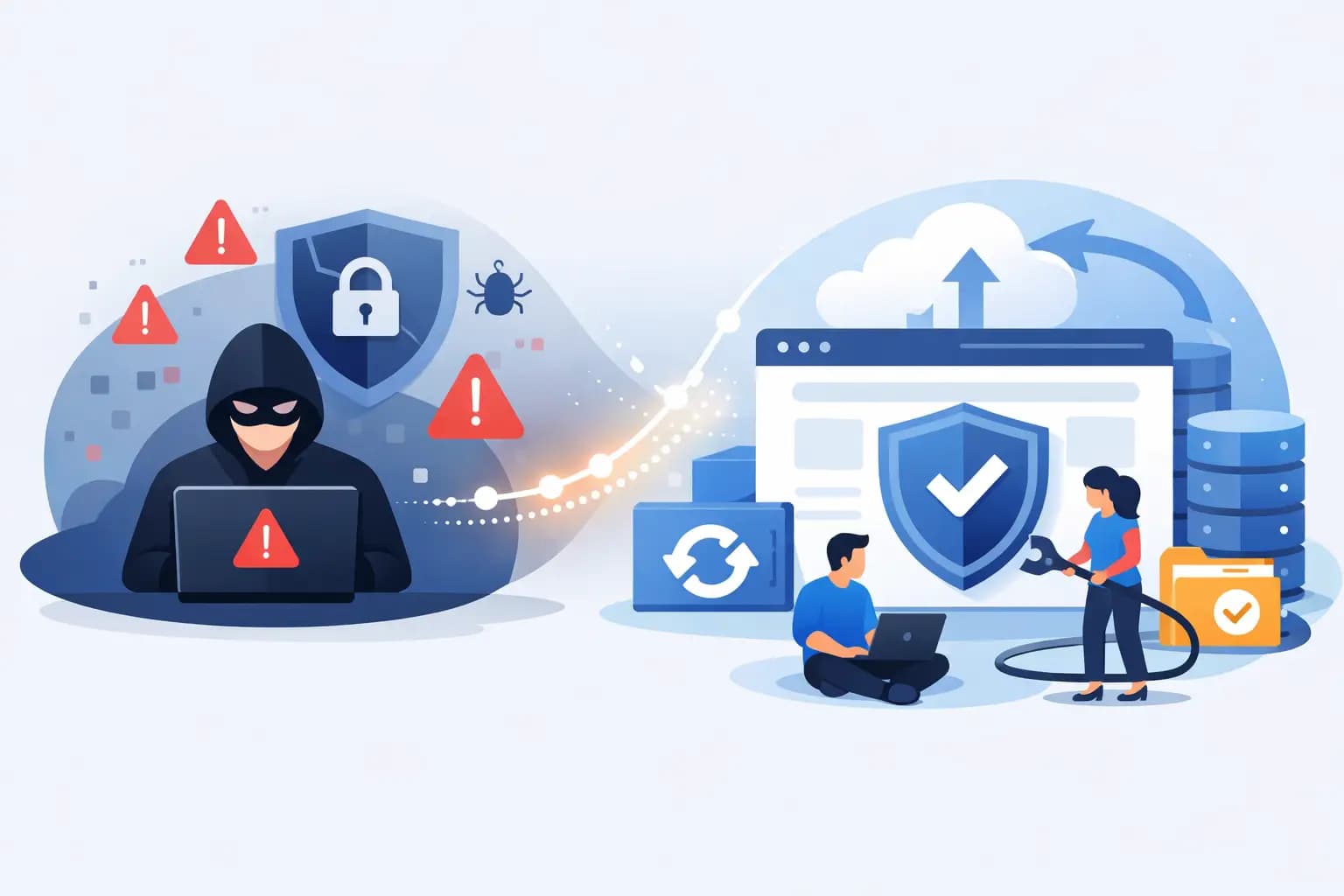

A hacked website rarely announces itself politely. You may first notice unfamiliar adverts on your pages, a browser warning, orders failing, or customers saying your site redirects somewhere suspicious. For a Nigerian business that depends on online enquiries, payments or credibility, every hour matters. The good news is that you can recover a hacked website methodically without making the damage worse.
The first goal is not to make the site look normal again. It is to stop the attacker, preserve evidence, protect visitors and restore a known-clean version of the website. Speed matters, but careless fixes can leave a backdoor behind and lead to another compromise days later.
Act Fast When Your Website Is Hacked
If the website is still online and serving malicious content, place it in maintenance mode or temporarily suspend public access through your hosting control panel. This reduces the chance of visitors downloading malware, entering card details into a fake form, or being redirected to harmful pages. It also protects your reputation while the investigation is under way.
Before deleting files or restoring a backup, take a copy of the current account if possible. Save website files, database exports, error logs and access logs. These records can help identify when the breach began, which account was used and whether customer information may have been exposed. They are particularly useful if you work with a developer, security professional or payment provider.
Then contact your hosting provider’s support team. Give them the domain name, the symptoms you have seen, the approximate time the issue started and any recent changes to the site. A quality hosting team can check server-side malware alerts, suspicious processes, file changes and account activity. If you use cPanel hosting, avoid sharing your login password over email or chat.
Change Every Access Credential
A compromised WordPress administrator password is only one possible entry point. Attackers often collect several credentials, then return through FTP, email, the hosting account, a database user or a forgotten administrator account. Change passwords from a clean device, not from a computer you suspect is infected.
Start with your hosting account, cPanel, WordPress administrator users, FTP or SFTP accounts, database users, professional email accounts and domain registrar login. Use unique, long passwords for each service. If two-factor authentication is available, switch it on for hosting, domain and email accounts straight away.
Review the list of users as you do this. Remove former staff accounts, unknown WordPress administrators and FTP users that are no longer needed. Check the email address associated with your domain registration too. If an attacker controls that inbox, they may be able to reset other passwords or transfer the domain.
Find the Real Scope of the Breach
A visible defacement is often only the surface problem. Malware can create hidden administrator users, inject code into theme files, modify database entries, add fake plugins or place malicious files in upload folders. Simply deleting the page you can see does not mean the site is clean.
Check for unexpected changes in these areas:
- WordPress administrator accounts, plugins, themes and scheduled tasks
- Core files and theme files with recent modification dates
- The uploads directory, especially files with unfamiliar PHP extensions
- Database tables containing strange scripts, spam links or redirect code
- Email forwarding rules and contact forms that send messages to unknown addresses
- Domain DNS records, including unfamiliar redirects or mail exchange records
Security scans are helpful, but they are not a guarantee. A scanner may find common malware signatures while missing newly modified code or a compromised valid plugin. Treat scan results as part of the investigation, not the final verdict.
Restore a Clean Backup, Not Just Any Backup
For many small businesses, restoring a backup is the fastest route back to service. The key word is clean. Restoring yesterday’s backup is risky if the attacker entered the site weeks ago and remained unnoticed. Compare backups with access logs, file modification dates and the date you first noticed symptoms.
Choose the latest backup from before the compromise. Restore both the website files and database where necessary, because malicious scripts can live in either place. If your e-commerce site has received new orders since that backup, ask your developer or host how to preserve legitimate recent data before replacing the database. This is one of the few situations where a full restore may not be the best immediate option.
After restoration, update WordPress core, plugins and themes before returning the site to the public. Remove any extension you do not actively use. A plugin that has been abandoned by its developer, obtained from an unreliable source, or left unpatched can reopen the same security gap within minutes.
For a bespoke website, restore clean application files from version control or a verified archive, then update the server-side software and dependencies. Do not upload an old copy and assume the job is finished. The original weakness may have been an outdated PHP version, insecure form code or exposed administrator panel.
Remove Malware When No Clean Backup Exists
If no trustworthy backup is available, recovery becomes more forensic. A developer or malware-removal specialist may need to compare your files with clean copies of your CMS, theme and plugins. Core application files should generally be replaced with fresh versions rather than edited line by line.
Inspect configuration files closely. In WordPress, attackers commonly target files that load on every request, because they can retain access even after visible malware is removed. Check for unfamiliar code in theme functions, plugin folders, cron jobs and hidden files. Database cleanup may also be required if spam links, rogue administrator accounts or injected JavaScript have been stored there.
Avoid copying files blindly from the compromised account into a new hosting account. Moving infected files to a fresh server only moves the problem. A clean migration should include verified files, a checked database, new credentials and updated software.
Check Customers, Email and Search Results
Recovery is not only about the website itself. If customers submitted personal data, reset passwords, received unusual messages or paid through your site during the incident, assess what information may have been exposed. Notify affected people promptly where appropriate, explain what you know without guessing, and tell them what protective action to take.
Check your business email accounts for unauthorised forwarding rules, sent messages and password reset emails. A compromised mailbox can be used to impersonate your business long after the website has been repaired.
Once the site is clean, test it from a normal visitor’s perspective. Check the homepage, contact forms, checkout process, login pages, mobile view and key landing pages. Search for your domain and look for spam titles or strange indexed pages. If search engines have displayed a security warning, request a review only after you are confident all malicious content and access routes have been removed.
Prevent Another Website Hack
The right protection depends on the type of site you run. A simple brochure site has different risks from a busy WooCommerce shop or an agency managing dozens of client websites. Still, a few controls deliver value for almost every business.
Keep automatic backups on a schedule that matches how often your data changes. A weekly backup may suit a portfolio website, while an online shop may need daily or more frequent backups. Store backups separately from the live account where possible, and test that they can actually be restored.
Use managed updates or set a regular maintenance routine for your CMS, themes and plugins. Limit administrator access, use two-factor authentication and give each team member their own login rather than sharing one password. Add a web application firewall and malware monitoring if your website collects customer details, accepts payments or is a key source of revenue.
Your hosting environment matters as well. Features such as malware protection, account isolation, SSL certificates, secure backups and active monitoring reduce risk, although no host can compensate for stolen passwords or outdated website software. GiddyHost customers can combine secure hosting tools with responsive support to identify problems early and restore service with less disruption.
A hacked website can feel like a major setback, especially when customers are watching. Treat the incident as a practical security reset: restore from a verified clean point, close every access route and put a recovery plan in place before the next unexpected problem tests your business.