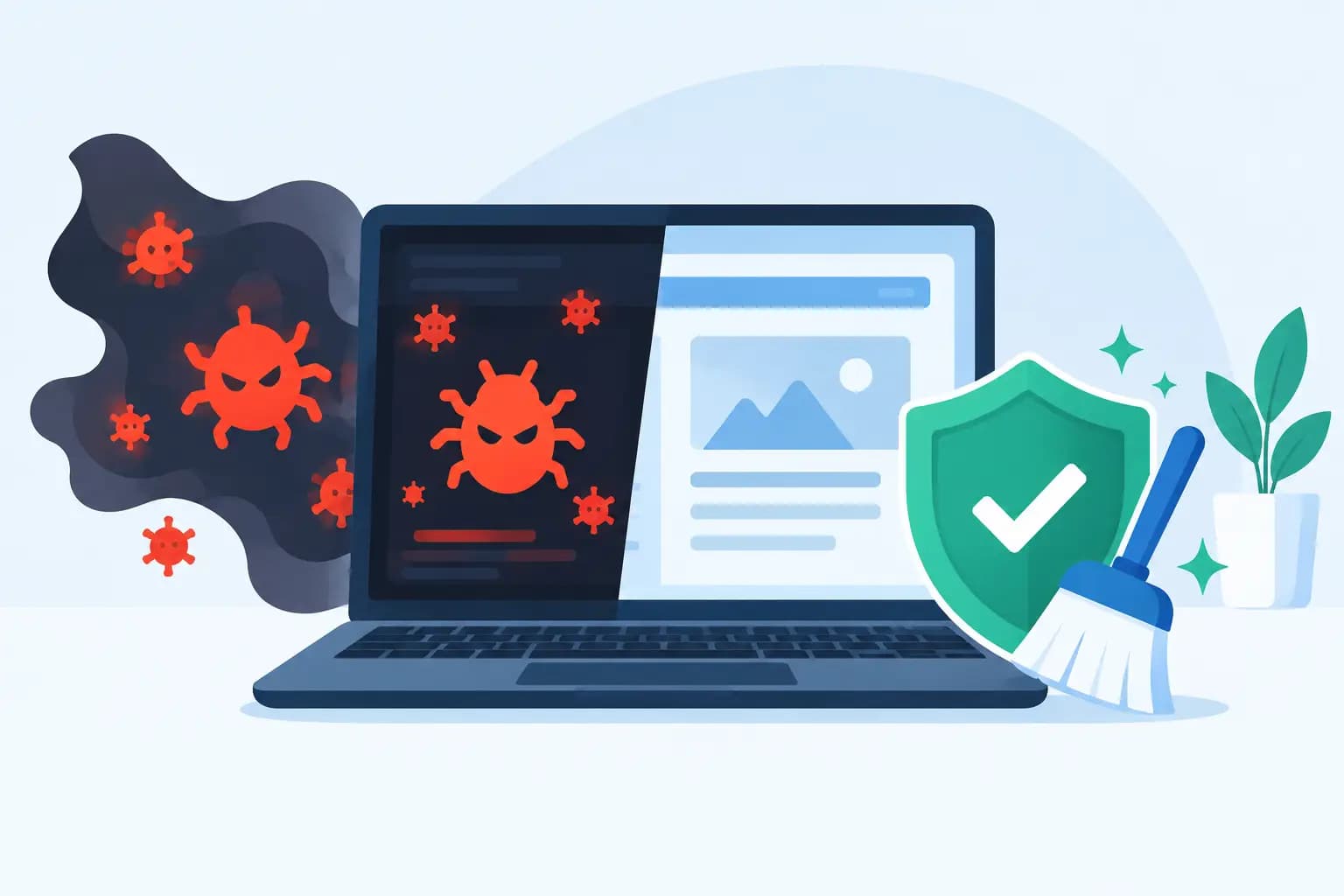

A customer calls on a Monday morning: their website redirects visitors to a betting page, Google has flagged a warning, and online enquiries have stopped. This malware removal example shows how a small Nigerian business can respond without making the damage worse, then rebuild confidence in its website.
The situation is common because attackers do not only target large companies. A WordPress site for a salon in Lekki, an e-commerce store in Abuja, or a professional services website in Ibadan can be valuable targets. Criminals use compromised sites to send spam, steal customer information, display fake adverts, or redirect traffic elsewhere. The good news is that a calm, structured response usually limits downtime and gives you a cleaner, safer site than before.
The malware removal example: a compromised WordPress site
Imagine a growing fashion retailer with a WordPress website. The owner notices that some mobile visitors land on an unfamiliar page, while the site appears normal on their office computer. Soon afterwards, the hosting account sends an alert about suspicious files and unusually high server activity.
A developer investigates and finds an old contact-form plugin that has not been updated for over a year. An attacker exploited a known weakness, added hidden PHP files inside the uploads folder, and changed a core WordPress file to load malicious code. The code redirects search-engine visitors and selected mobile users, making the infection harder to spot during a quick check.
This is not a case for simply deleting the page that appears suspicious. Malware often has more than one entry point. If the visible redirect is removed but the hidden backdoor remains, the attacker can reinfect the website within hours. Proper removal means containing the incident, identifying the scope, restoring trustworthy files, and closing the weakness that allowed access.
First response: contain the problem
The first priority is to protect visitors, customers and the hosting account. Put the affected website into maintenance mode or temporarily suspend public access where necessary. This can feel costly when the website drives sales, but allowing visitors to continue seeing malicious content can cost far more in trust, search visibility and possible data exposure.
Next, change passwords for every account connected to the site: hosting control panel, WordPress administrators, FTP or SFTP users, database users, email accounts with access to password resets, and the domain registrar. Use unique, long passwords and enable two-factor authentication where it is available. Changing only the WordPress password is not enough if the attacker has access through hosting credentials or a rogue administrator account.
Before deleting anything, create a full backup of the current infected state and save relevant logs. It is not a restore point to rely on, but it may help a technical team trace when the compromise started. Record the symptoms too: redirect URLs, warning messages, dates, affected pages and recent administrator activity.
Find the real extent of the infection
A thorough scan should cover website files, the WordPress database, scheduled tasks and user accounts. The developer compares WordPress core files with clean versions from the correct release, checks plugins and themes against known originals, and reviews recently modified files. PHP files inside image or upload directories deserve particular attention because that location normally should not contain executable web scripts.
The database also needs inspection. Attackers may inject malicious JavaScript into posts, widget areas, theme settings, header code, or options tables. A site can therefore look clean in the file manager while still delivering harmful code from the database.
It also helps to review access logs and error logs. Repeated requests to a vulnerable plugin file, unfamiliar IP addresses creating administrator accounts, or strange scheduled tasks can reveal the route used. Logs are not always available long enough to provide a complete answer, so speed matters.
Clean files, database and user access
For this retailer, the safest route is a combination of clean replacement and careful review. The developer replaces WordPress core files with fresh copies, reinstalls plugins and themes from trusted sources, and removes any plugin or theme that is no longer needed. Pirated or nulled themes and plugins should never be retained. They may appear to save money, yet they frequently contain concealed malicious code and leave businesses paying later through lost sales and recovery work.
The infected uploads-folder scripts are removed after confirming they are not legitimate application files. Suspicious code in the database is cleaned, and any unauthorised administrator accounts are deleted. Existing administrator accounts are checked one by one, with access reduced to only the people who genuinely need it.
At this stage, restoring from a backup can be the best answer if there is a verified clean backup from before the infection. However, it depends on how old that backup is. Restoring a month-old copy may lose recent orders, bookings or content changes. In that case, a manual clean-up followed by selective restoration of recent legitimate data may be more appropriate. A reliable backup is useful only when it is both clean and recent.
Close the door attackers used
Removing malware without hardening the site is like repairing a shop window while leaving the lock broken. Update WordPress, active plugins and themes immediately after cleaning. Remove inactive extensions rather than leaving them installed, because dormant software can still be exploited.
The retailer should also review file permissions, disable PHP execution in folders that only store media where the hosting environment supports it, and protect the WordPress login area. Limiting login attempts and using two-factor authentication lowers the risk of password attacks. Database prefixes, security keys and exposed configuration details may need changing if the investigation indicates they were accessed.
Hosting security makes a meaningful difference here. Features such as malware scanning, a web application firewall, account isolation, automated backups and proactive threat detection reduce the time between an attack and a response. On managed WordPress environments, performance and security tools such as LiteSpeed Enterprise, Redis object caching and NVMe storage can support a fast site, while protections such as Imunify360 help identify malicious activity. No platform can promise that a poorly maintained site will never be compromised, but a secure hosting foundation reduces avoidable risk.
For businesses that need help, GiddyHost can provide a dependable hosting environment while your developer or support team focuses on restoring the website correctly. The key is to treat security as part of running the business, not as an emergency purchase after a warning appears.
Test before bringing the website back
Once clean-up is complete, test the website from different devices, browsers and networks. Check key pages, contact forms, checkout flows, login functions and mobile behaviour. Search for the earlier redirect symptoms, inspect page source where practical, and run a fresh malware scan.
If search engines have labelled the site as unsafe, submit it for review only after you are confident the infection is gone. Submitting too early can prolong the warning and create more work. Monitor logs, outgoing email activity and file changes closely during the following days, because a returning infection is a sign that a backdoor or original vulnerability was missed.
Prevention that fits a small business
Security does not need to become a full-time job for a business owner. It needs a routine. Keep a written list of who has access to hosting, domains, email and website administration. Review it whenever a staff member or contractor leaves. Set automatic updates carefully, but test major changes on a staging copy when the website has custom functions or online payments.
A sensible backup plan should include frequent backups, off-server storage where possible, and regular restore tests. Many businesses discover their backups exist only when they need them, then discover they cannot be restored. Test a recovery process before an incident, not during one.
Most importantly, take small warning signs seriously. A slow website, unexpected administrator notice, failed updates, spam from your domain, or files you do not recognise can be the beginning of a larger issue. Early action is usually quicker, cheaper and far less disruptive than emergency recovery.
A clean website is not simply a technical achievement. It protects the confidence customers place in your business each time they search, enquire, pay or share their details online. Build regular maintenance into your monthly operations, and your website can remain a dependable place for your business to grow.