
A compromised business inbox can do far more damage than a missed message. It can expose customer records, redirect supplier payments, damage your reputation and interrupt daily work. This email hosting security review helps Nigerian businesses assess whether an email service is genuinely prepared to protect company communication, not merely provide an inbox with your domain name.
For a growing business, email is often where quotations, invoices, contracts, account details and customer requests are handled. That makes it a frequent target for phishing, password attacks and impersonation. Security should therefore be part of the buying decision from day one, alongside storage, speed, support and price.
What secure business email should protect
A good email hosting service protects three things at once: the messages you send and receive, the people allowed to access them, and your ability to keep working when something goes wrong. These areas overlap, but each needs to be checked separately.
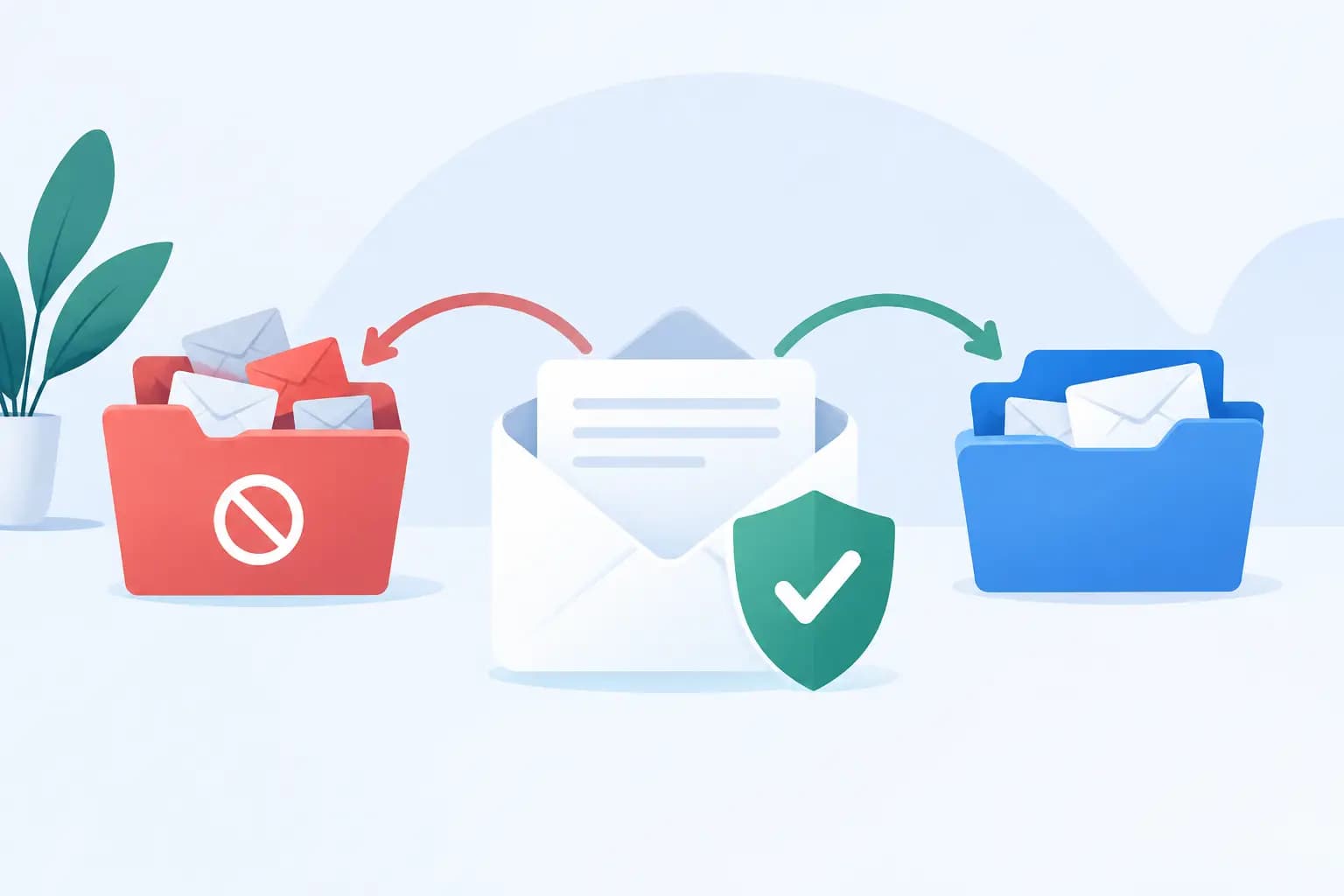
Transport security helps keep messages protected while travelling between mail servers and devices. Spam and malware filtering helps stop harmful content before it reaches an employee’s inbox. Account security reduces the chance that someone can sign in using a guessed, stolen or reused password.
Continuity matters just as much. If a staff member accidentally deletes an important message, an account is suspended, or a service has an outage, can you restore access quickly? A low monthly price has little value if a lost mailbox brings customer communication to a halt for days.
Email hosting security review: the checks that matter
1. Secure sign-in and account controls
Start with the sign-in process. Multi-factor authentication should be available for every mailbox, particularly for directors, finance staff, sales teams and administrators. A password alone is not enough protection when staff may use the same password across several services.
Also ask how access is managed when employees join, change roles or leave. You should be able to create individual accounts rather than share one general password, assign only the permissions each person needs, and disable access immediately when necessary. Shared mailboxes such as info@ or support@ can be useful, but they should not become an excuse for uncontrolled access.
A provider should support secure webmail and encrypted connections for mail apps on phones and computers. Staff should never be encouraged to accept certificate warnings or use unencrypted settings simply because they are easier to configure.
2. Spam, phishing and malware filtering
Many attacks arrive looking like ordinary business correspondence. An email may appear to come from a bank, a delivery company, a supplier or even your managing director. The message may ask someone to open an attachment, reset a password or pay into a new bank account.
Effective filtering should scan incoming mail for spam, malicious attachments, suspicious links and known phishing patterns. It should also give administrators sensible controls over quarantined messages and allow legitimate senders to be approved when needed. Overly aggressive filtering can delay genuine customer enquiries, so the best setup combines strong protection with clear review options.
No filter catches every threat. Your team still needs simple working rules: verify changed bank details through a known phone number, be cautious with unexpected attachments, and report suspicious messages quickly. Email security is strongest when technology and staff awareness support each other.
3. SPF, DKIM and DMARC for your domain
If your business sends email from its own domain, domain authentication is essential. SPF, DKIM and DMARC help receiving mail systems verify that messages claiming to come from your company are legitimate.
SPF identifies which servers are permitted to send on behalf of your domain. DKIM adds a signed validation layer to messages. DMARC tells receiving providers how to handle messages that fail those checks and can provide reports on attempted spoofing.
These records do not make every email safe, but they make it harder for criminals to impersonate your business. They can also improve delivery rates by showing Gmail, Outlook and other platforms that your messages are properly configured. Ask whether the hosting provider helps configure these records and whether support is available if your domain uses third-party tools for newsletters, accounting or customer relationship management.
4. Data storage, encryption and privacy
Ask where mailbox data is stored, how it is protected and who can access it. A reputable provider should maintain controlled data centre access, encrypted service connections, monitoring and regular security updates. Technical language can sound impressive, but the practical question is simple: does the provider have defined processes for protecting your business data?
Consider the sensitivity of what your team sends by email. A law firm, school, healthcare provider, recruitment agency or company handling identity documents will need stricter internal practices than a business sending standard product enquiries. Even then, highly sensitive information should not be sent in plain email unless you have an appropriate secure process around it.
You should also understand the provider’s privacy terms, data retention practices and response process if a security incident occurs. Clear answers are better than vague promises of “complete security”, because no provider can honestly guarantee that every human or technical risk will disappear.
5. Backups, recovery and business continuity
Email hosting should include a clear plan for recovery. Check whether mailboxes are backed up, how often backups run, how long data is retained and whether individual messages can be restored. It is worth asking whether restoration is included in support or attracts an additional charge.
There is a difference between redundancy and backup. Redundancy helps keep a service available if one part of the infrastructure fails. A backup helps recover data that was deleted, corrupted or altered. Your business may need both.
For organisations that depend heavily on email, create a basic continuity plan. Keep a record of key contacts outside the mailbox, decide who can approve urgent communications during an outage, and ensure more than one authorised person can manage the domain and email administration. This is particularly useful for finance, operations and customer service teams.
6. Support that can respond when it counts
Security features are only useful when they are correctly configured and supported. Before choosing a provider, assess how you will get help with a suspected compromised account, delivery issue or missing mailbox. Check support hours, available channels, escalation procedures and whether the team can explain technical actions in plain language.
For Nigerian businesses, reliable support can save valuable time when customers, suppliers and staff are working across different devices and locations. A local provider such as GiddyHost.ng can be a practical choice when you want business email, domain management and hosting support handled with an understanding of local business needs.
Questions to ask before you buy
A provider should be able to answer direct questions without hiding behind marketing language. Ask whether multi-factor authentication is available, whether spam and malware filtering is included, how SPF, DKIM and DMARC are configured, and what backup and restoration options exist.
Also ask about mailbox limits, attachment limits, uptime commitments, migration support and administrative controls. If you are moving from a free email account or another provider, confirm how existing messages, contacts and folders will be transferred. A secure platform is less useful if the migration process causes confusion, missing messages or rushed password sharing among staff.
Price matters, especially for startups and small businesses, but compare what is included. A cheaper package may be suitable for a one-person business with simple needs. A company handling frequent customer transactions, sensitive documents or multiple staff accounts should usually prioritise stronger controls, support and recovery options over the lowest possible cost.
Set your team up for safer email
After choosing a provider, configure security properly. Enable multi-factor authentication, create unique passwords, set up domain authentication and remove unused accounts. Review who has administrator access at least every few months, especially after staffing changes.
Give staff a short, practical briefing rather than a lengthy technical lecture. They should know how to identify suspicious login prompts, unusual payment requests and unexpected attachments. They should also know exactly who to contact if they think they have clicked something unsafe. Fast reporting often limits the impact of an incident.
The right email hosting service gives your business a professional address, but its greater value is confidence. When your accounts, messages and domain are properly protected, your team can focus on serving customers and building the business with fewer avoidable risks.