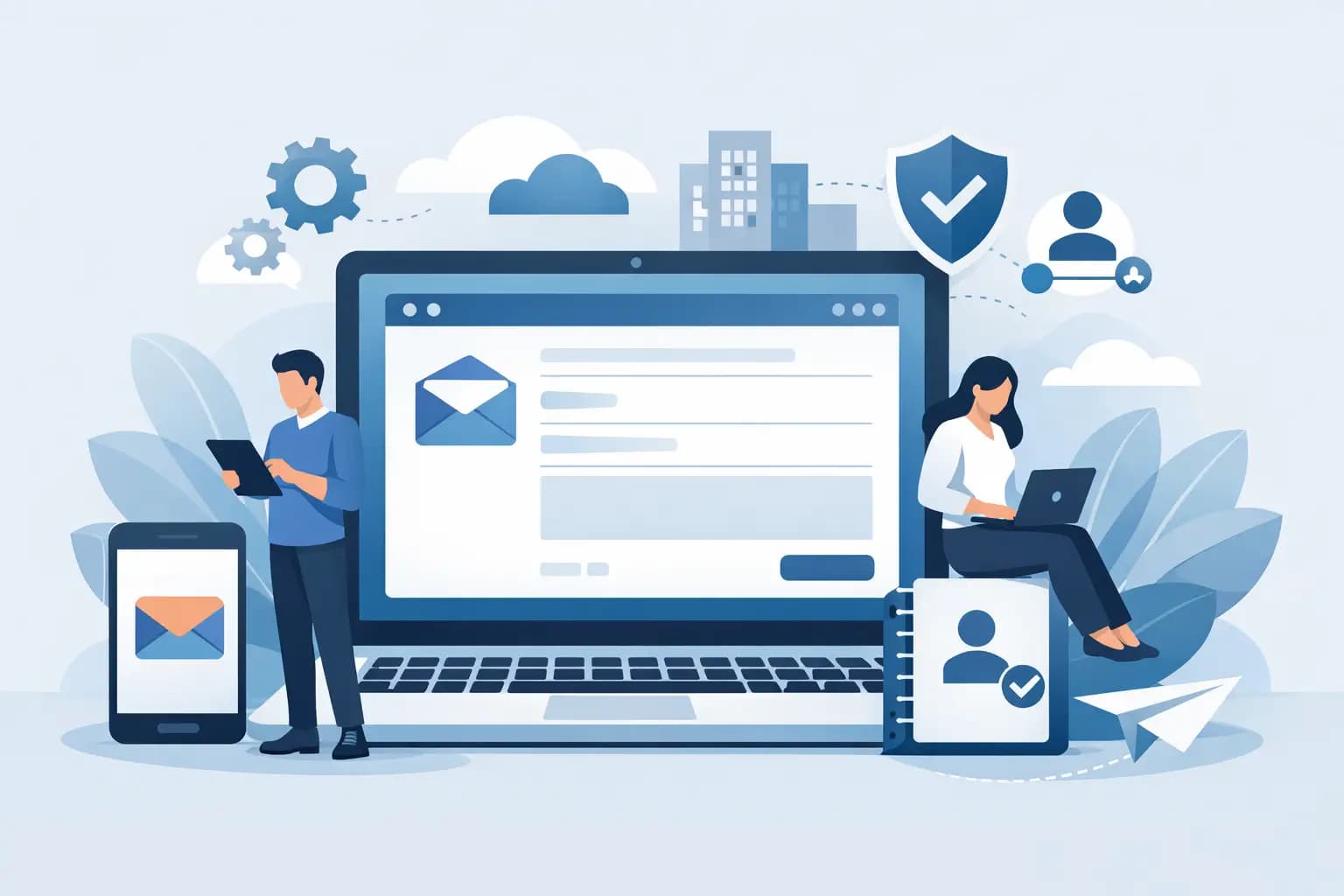

A customer is ready to pay, asks for your bank details, and receives a reply from a free Gmail address. It may seem minor, but it can create doubt at the exact point trust matters most. Learning how to create business email gives your business a professional address such as hello@yourbusiness.ng, keeps communication under your control, and makes your brand look established from the first message.
For Nigerian businesses, professional email is not only for large companies. A fashion store taking WhatsApp orders, a freelance designer sending proposals, an NGO communicating with partners, or an online shop issuing receipts can all benefit from an address linked to their own domain.
What you need before creating business email
Business email needs two essentials: a domain name and an email hosting service. Your domain is the name after the @ symbol, such as yourbrand.ng, yourbrand.com.ng, or yourbrand.com. Email hosting provides the server space, mailbox tools and security settings that allow messages to be sent and received using that domain.
If you already have a website hosting plan with cPanel, email hosting may be included. Check the number of email accounts, storage allowance and sending limits before you begin. A small business may only need a few addresses, while an agency, school or growing e-commerce team may need separate mailboxes for every staff member.
Choose a domain that customers can spell and remember. A .ng or .com.ng address can be a strong choice for businesses focused on Nigeria, while .com remains useful for brands serving an international audience. The right extension depends on where your customers are and how you intend to grow.
How to create business email in cPanel
For many hosting accounts, cPanel is the simplest place to create and manage professional email. The wording can differ slightly between hosting providers, but the process is usually straightforward.
1. Log in to your hosting account
Open your hosting dashboard and access cPanel. Look for the Email section, then select Email Accounts. If your domain has been connected correctly to the hosting account, it should appear in the domain selection field.
If you registered your domain separately, make sure its nameservers or DNS records point to the hosting provider first. Without this connection, your email account may be created but messages will not reach the correct server.
2. Create the address customers should see
Choose the name that comes before the @ symbol. Start with practical, customer-facing addresses rather than personal names. For example, use hello@, info@, sales@, support@ or accounts@ followed by your domain.
A sole trader can also use firstname@yourdomain.com, especially when personal service is part of the brand. However, shared role-based addresses are easier to keep when staff change. If your salesperson leaves, sales@yourdomain.com can remain active without forcing customers to learn a new contact address.
Set a long, unique password. Avoid using your business name, phone number, birthday or a simple pattern. A password manager is a sensible option for creating and storing secure passwords, particularly when more than one person has access to company systems.
3. Set mailbox storage with growth in mind
cPanel may allow you to assign storage limits to each account. A low limit can keep a shared plan organised, but setting it too tightly may stop staff from receiving important messages when their inbox fills up.
For a new business, a moderate allocation is usually enough. Accounts, sales and support mailboxes may need more space because they often receive invoices, screenshots, customer requests and document attachments. Review usage regularly rather than paying for capacity you do not yet need.
4. Create the account and test it
Select Create. Then send a test email from the new address to a personal address and reply to it. This confirms that both outgoing and incoming messages are working.
Also test the address on mobile data, not only your office Wi-Fi. This helps you spot setup issues early and gives you confidence that customers can reach you from anywhere.
Connect your business email to the devices you use
Webmail lets you read messages through a browser and is useful when you are travelling or working from a shared computer. In cPanel, you can usually open Webmail directly from the Email Accounts area.
For day-to-day work, many business owners prefer to add the account to an email app on their phone or computer. Use the configuration details supplied by your hosting provider, including the incoming and outgoing mail server names, ports and encryption settings. IMAP is generally the better choice for business use because it synchronises your inbox, sent messages and folders across multiple devices.
POP can download messages to one device, but it is less suitable if you check email from a laptop and phone or have a team sharing responsibility for replies. Do not guess the settings. Incorrect ports or security options are a common reason messages fail to send.
Protect your domain from email fraud
Creating an address is only the first part. Business email must be configured so that major providers can verify that messages genuinely come from your domain. This improves deliverability and makes it harder for criminals to impersonate your business.
Three DNS records matter most: SPF, DKIM and DMARC. SPF identifies the servers allowed to send email for your domain. DKIM adds a signed verification to outgoing messages. DMARC tells receiving providers what to do when a message fails those checks and can provide reports on suspicious activity.
These records are particularly valuable if you send invoices, payment instructions, order updates or marketing messages. Fraudsters often copy a business name and send messages from lookalike addresses to redirect payments. Proper authentication will not remove every risk, but it gives customers and email providers stronger evidence that your messages are legitimate.
Use two-factor authentication wherever it is available for your hosting dashboard and email applications. Keep staff access limited to people who genuinely need it, and remove access immediately when a contractor or employee leaves. If an account begins sending unexpected messages, change its password, check forwarding rules and scan all devices used to access it.
Set up addresses that match how your business works
You do not need to create ten inboxes on day one. Begin with the addresses your customers need, then add more as the workload grows. A small service business may start with hello@ and accounts@. An online store may benefit from support@ and orders@. A growing company might later add careers@, partnerships@ or operations@.
Forwarders can be useful when one person handles several roles. For example, messages sent to sales@ can arrive in the business owner’s main mailbox. The trade-off is that replies should still be sent from the correct business address, not from a personal account, otherwise the customer experience becomes inconsistent.
Email aliases are another useful option. They allow several public-facing addresses to deliver to one mailbox without requiring separate storage for each one. This can reduce administration, although a dedicated mailbox is better where multiple team members need to access and manage conversations.
Avoid using a catch-all address unless you have a clear reason. Catch-all mailboxes receive messages sent to any misspelt or non-existent address on your domain. They can prevent missed enquiries, but they also attract more spam and can make the inbox harder to manage.
Create a professional email signature
Every reply is an opportunity to make your business easier to trust and contact. Set up a concise signature with your full name, role, business name, phone number and website address. Add a physical business address only where it is useful or required for your operations.
Keep the design clean. Oversized logos, multiple colours, inspirational quotes and heavy image files can distract from the message and may display poorly in some email clients. Your signature should help someone reply, call or verify who they are dealing with in seconds.
For a stronger first impression, use a simple naming convention across the team. For example, first name and surname for individual staff addresses, plus consistent shared addresses such as support@ and accounts@. Consistency makes a young business feel organised without making communication stiff.
Choose email hosting that will not hold you back
Free email accounts can work for personal use, but they give your business less control over branding, staff access and continuity. With business email on your own domain, you can keep the address even when you change staff, improve your credibility and separate personal conversations from customer records.
The right plan depends on the number of users, storage needs and level of support you require. If email is central to customer service, choose a provider with dependable uptime, secure servers, backup options and accessible support. GiddyHost gives Nigerian businesses a practical route to domain and email hosting with cPanel management, local naira payments and support when setup needs a human touch.
Once your first mailbox is live, use it everywhere that represents the business: invoices, quotations, social media contact details, online forms and customer replies. A professional address is a small setup task, but it tells customers that your business is ready to communicate clearly, securely and seriously.