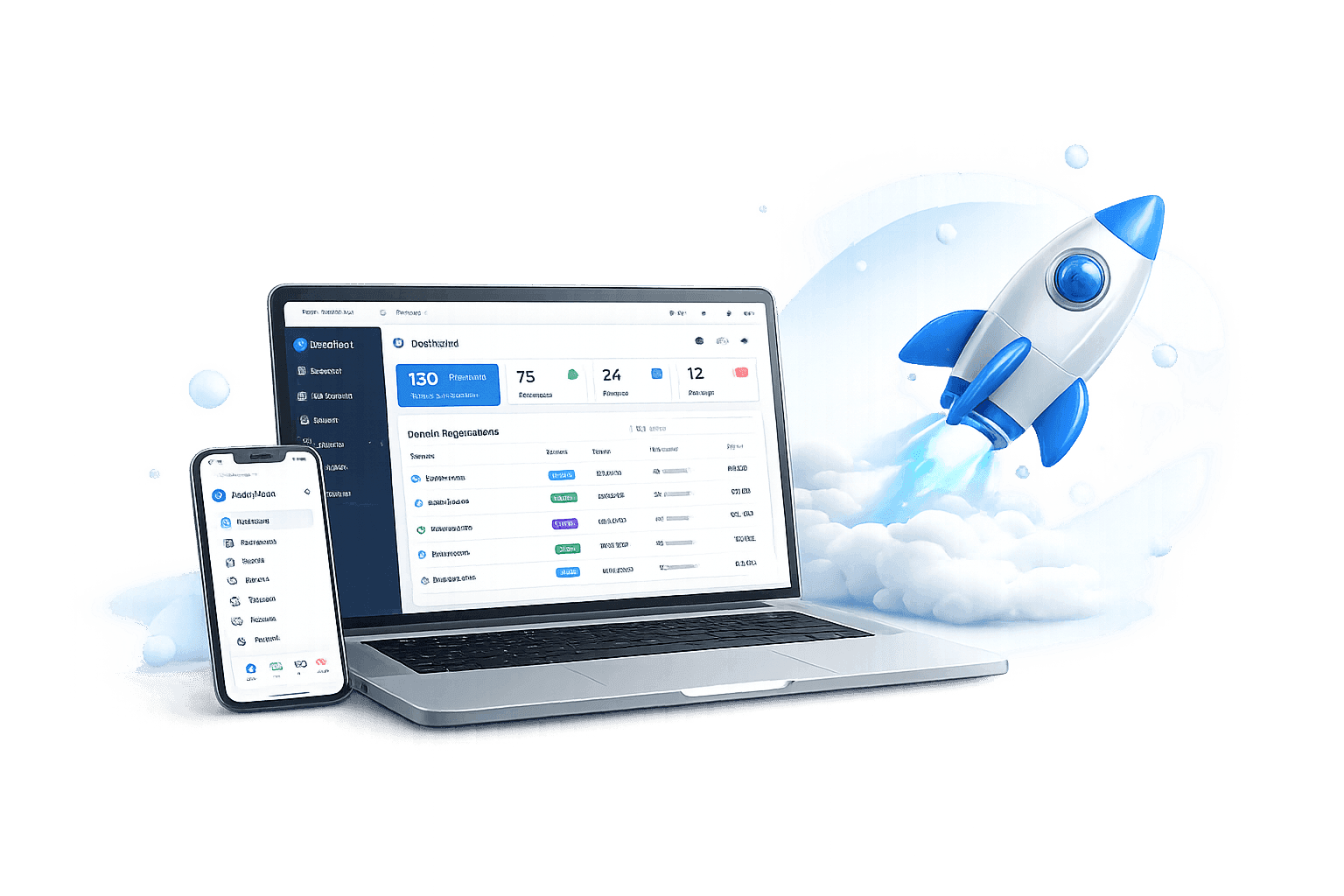

Having a website is no longer optional. Whether you run a business, manage a school, lead a church, or work as a freelancer, your online presence directly affects how people find and trust you. If you’ve been wondering how to start a website in Nigeria, this guide walks you through the entire process—from choosing a domain name to promoting your finished site.
Why Every Nigerian Business Needs a Website
Most customers today search online before spending money. A well-built website builds credibility, helps you reach people across Nigeria and beyond, and keeps your brand visible around the clock—generating leads and sales even when you’re unavailable. Businesses in Lagos, Abuja, Port Harcourt, Kano, and smaller cities alike have used websites to compete with much larger players and open doors to markets they couldn’t have reached otherwise.
Step 1: Choose the Purpose of Your Website
Start by defining what you want your website to accomplish. A business site, e-commerce store, blog, school portal, church website, real estate listing, portfolio, or news publication each calls for different design decisions, page structures, and features. Getting this clear upfront saves you significant time and rework later.
Step 2: Register a Domain Name
Your domain name is your address on the internet—something like yourbusiness.com, yourbusiness.com.ng, or yourbrand.ng. Keep it short, easy to spell, and as close to your brand name as possible. Avoid hyphens. For businesses whose primary audience is in Nigeria, a .com.ng domain tends to reinforce local credibility, though a standard .com works well for brands looking to reach an international audience too.
Step 3: Buy Reliable Web Hosting
Web hosting is the service that stores your website files and delivers them to visitors. Your choice of hosting provider has a direct impact on page speed, security, uptime, search engine rankings, and user experience—so this decision matters more than many people initially realize.
Why Choose GiddyHost?
GiddyHost offers affordable, reliable hosting built for Nigerian businesses, bloggers, schools, churches, and startups. Plans come with fast SSD storage, free SSL certificates, dependable uptime, one-click WordPress installation, and responsive customer support. Whether you’re launching your first site or migrating an existing one, GiddyHost has solutions designed with local needs in mind.
Step 4: Install WordPress
WordPress powers over 40% of websites worldwide. It’s beginner-friendly, SEO-ready, mobile-responsive, and backed by thousands of themes and plugins. Most GiddyHost plans support one-click WordPress installation, so you can have the platform running within minutes—no technical background required.
Step 5: Choose a Professional Website Design
Your design is often the first impression visitors get of your business. A strong design loads fast, looks great on mobile, navigates intuitively, reflects your brand identity, and guides visitors toward a clear action. People form opinions about websites within seconds, so a polished, professional appearance directly affects whether they stay or leave.
Step 6: Create High-Quality Content
Good content is what keeps visitors on your site and convinces them to do business with you. At minimum, your site should include a homepage that explains who you are and what you offer, an About page that tells your story and builds trust, a Services or Products page that describes what you sell, and a Contact page that makes it easy to reach you. Adding a blog lets you publish useful content, attract traffic from Google, and establish authority in your industry over time.
Step 7: Optimize Your Website for Search Engines
Search engine optimization (SEO) is how you get your website to appear in Google results when potential customers search for what you offer. Core practices include thorough keyword research, fast page load times, mobile-friendly design, quality content, internal linking, optimized images, and well-written meta titles and descriptions. A bakery in Lagos, for example, might target phrases like “bakery in Lagos,” “cake delivery Lagos,” or “best bakery in Lagos.” Done consistently, SEO brings traffic and customers without ongoing ad spend.
Step 8: Secure Your Website
Security protects both your reputation and your customers’ data. Install an SSL certificate, use strong passwords, keep WordPress and its plugins updated, schedule regular backups, and add a reputable security plugin. These steps are straightforward and significantly reduce your exposure to common threats.